

AI Image Animator motion from a single photo
Try a single blink or a slight expression change. Restrained motion can keep the character closer to the original photo than a large turn or a complicated gesture.
Prompt Guide
Model
Reference Image
Turn a still image into a short moving scene. Give a portrait a subtle expression, add atmosphere to a landscape, or create a product camera move from one starting shot.
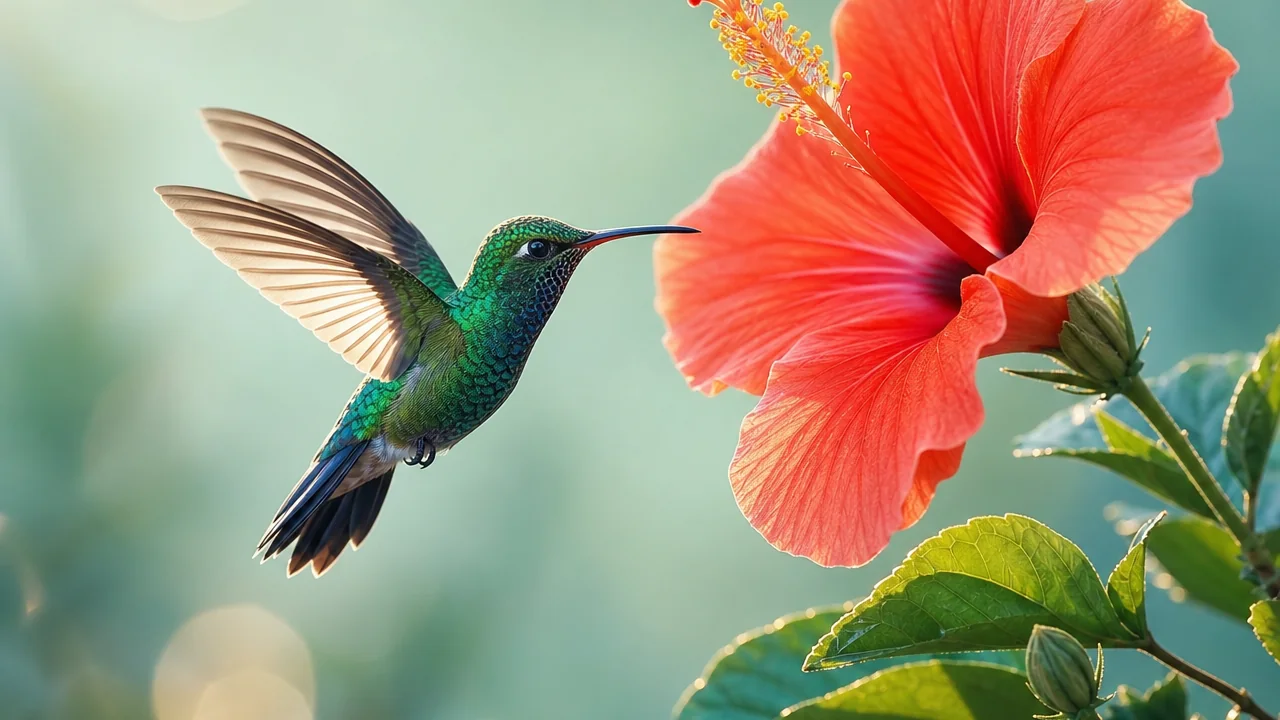
A clear starting image and a small, specific motion give you a useful first draft.
Choose a sharp image with a visible subject and room around the edges. For a portrait, start with a clear face; for a product, make sure its shape is easy to read.
Use the AI Image Animator to direct one action: a blink, rippling water, swaying leaves or a slow camera slide. Say what should stay still as well.
Select a model, aspect ratio, duration and quality offered by the workspace. Match the framing to your starting image to reduce awkward crops.
Watch the whole clip. Check faces, hands, straight edges and the background, then simplify the motion prompt if the image drifts or distorts.
Explore 12 AI Image Animator examples: coastal water, winter mist, desert wind, interiors, products and three different illustration styles. Each scene starts from its own reference image.
Let sea foam wash through the arch; keep the cliff shape stable and the camera slow.
Try This MotionAnimate falling water and drifting mist while preserving the snowy rocks and pine branches.
Try This MotionMove fine grass in a gentle breeze; add a subtle camera glide across the dunes.
Try This MotionRotate the suspended mobile slowly while keeping the skylight and architectural lines stable.
Try This MotionLet raindrops slide down the window; keep the chair, lamp and cozy room unchanged.
Try This MotionSway the fern leaves gently with a slow camera push along the conservatory path.
Try This MotionSlide the camera slowly around the stationary shoe, preserving its sole, laces and silhouette.
Try This MotionMove a soft reflection across the glaze while the camera gently approaches the ceramic bowl.
Try This MotionGlide past the cold can and orange slices; preserve the can shape and condensation detail.
Try This MotionGive the clay astronaut one tiny wave and let the nearby stars twinkle subtly.
Try This MotionRock the origami boat softly while paper waves rise and fall without changing the paper texture.
Try This MotionDrift the watercolor clouds and gently move the sea while preserving the painted paper texture.
Try This MotionDirect the motion, preserve the subject and choose a scene that benefits from movement.
Try a single blink or a slight expression change. Restrained motion can keep the character closer to the original photo than a large turn or a complicated gesture.
Animate water, mist or foliage while holding buildings and horizons steady. The AI Image Animator works best with a clear distinction between moving and still areas.
Use a gentle camera slide and changing highlights to showcase a product. Review the result carefully for altered packaging, labels or glass geometry.
Keep the original drawing style in your prompt. A small ear twitch, hair movement or tail swish can bring a character to life without rewriting the whole composition.
Plan one visual beat per shot, then assemble your chosen clips in an editor. Leave space for any captions or branding you will add afterward.
Change one instruction at a time. Use the AI Image Animator to compare a fixed-camera version with a slow push-in before adding more movement.
Illustrative creator workflows; these are fictional examples, not customer reviews.
Portrait workflow: ask for one blink and a fixed camera before adding any head movement.
Product workflow: keep the object stationary and describe the camera slide and light separately.
Illustration workflow: name the original art style and animate one small detail at a time.
This image to video workflow uses a starting photo and a motion prompt to generate a moving clip. Animate portraits, landscapes, product shots or illustrations, then review and refine the movement.
Name the subject, one action and the camera movement. For example: “Keep the cabin still, add gentle lake ripples and make a slow push-in.” Avoid asking for several unrelated actions in one short clip.
Generated video may alter details. Clear reference images and restrained motion can help, but inspect faces, hands, text, product shapes and backgrounds before using the result.
Check the workspace for current trial access, sign-in requirements and credits. Available settings and costs depend on the model you select.
This page focuses on image-to-video motion. Talking-photo audio, exact lip sync, GIF export and seamless looping are separate capabilities; use a suitable workflow or editor when you need them.