

Built for Real Screens
Create a phone wallpaper, desktop background, ultrawide scene, avatar crop, or poster concept with the destination ratio planned from the beginning.
Prompt Guide
Model
Reference Image
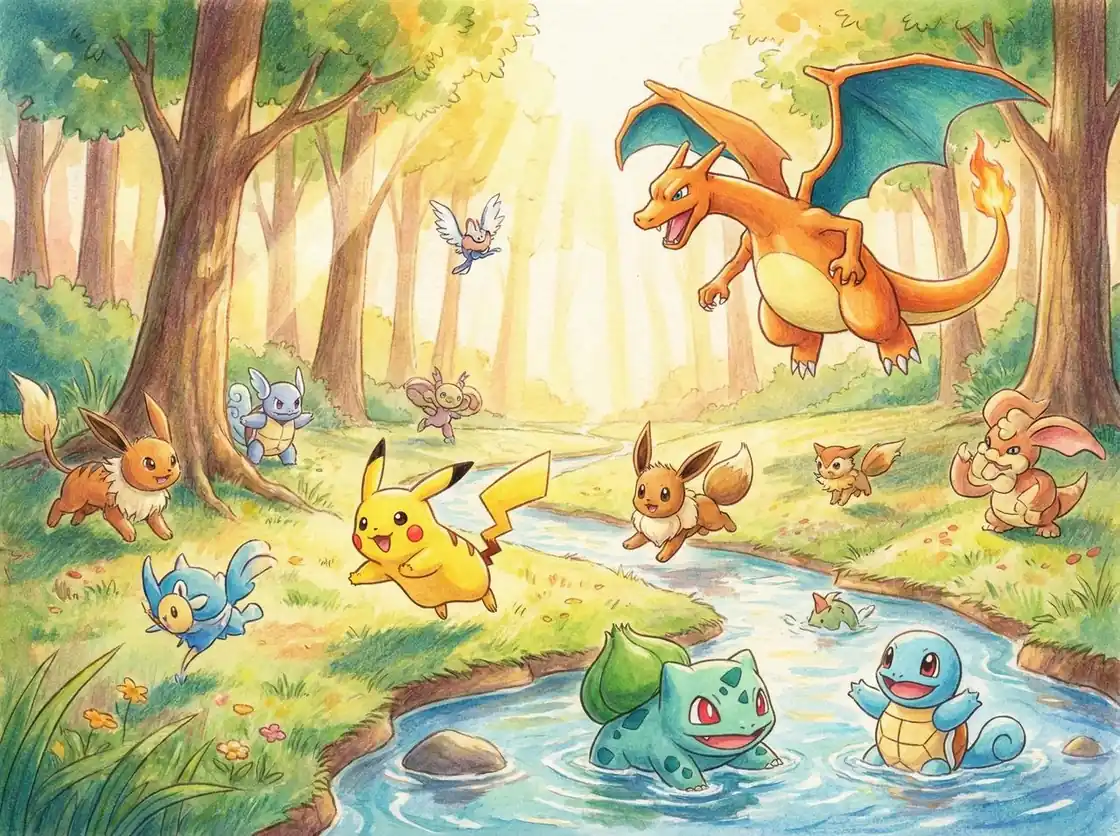
Create original Pokemon-style wallpapers for iPhone, Android, desktop, and ultrawide screens from one detailed prompt.
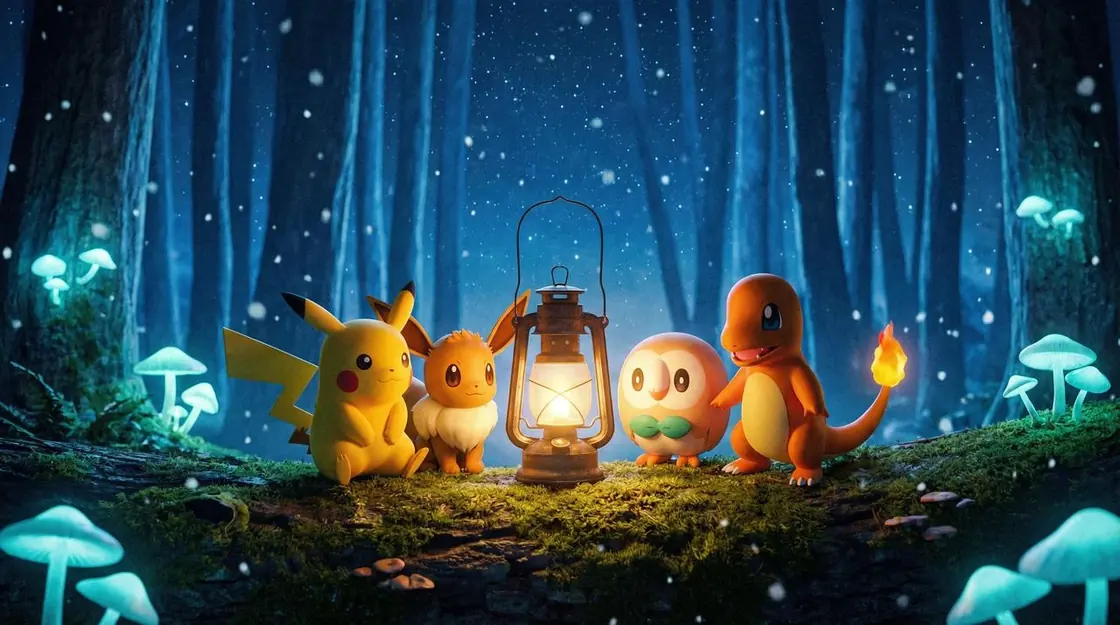
Use the AI Pokemon Wallpaper Generator to build a clear prompt around an original creature, a memorable scene, and the screen you want to fill.
Pick 9:16 for a phone lock screen, 16:9 for a desktop, 4:3 for flexible artwork, or 1:1 for an avatar-style crop. Think about where the clock, icons, and desktop folders will sit before you generate.
Define its element, silhouette, colors, markings, expression, pose, and companion role. Original details give the Pokemon wallpaper generator more visual direction and help the result feel personal instead of copied from an existing design.
Add a region, season, time of day, camera angle, lighting style, color palette, and mood. Ask for clean negative space when you need room for phone icons or a desktop menu.
Create the first version, then inspect the anatomy, edges, background clarity, and crop. Change one prompt detail at a time so you can see what improves the wallpaper.
Use the AI Pokemon Wallpaper Generator to explore ten wallpaper-ready directions across adventures, battles, cozy scenes, pixel art, phone backgrounds, and desktop worlds.
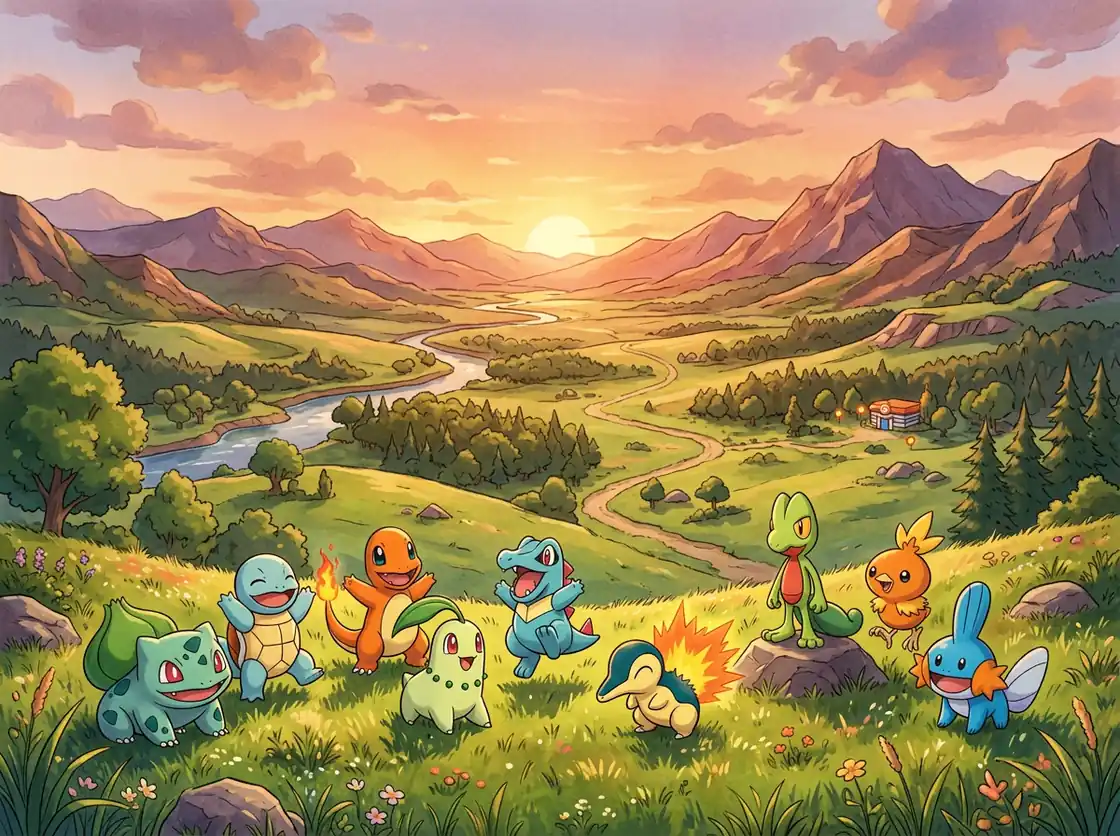 Adventure Worlds
Starter creature companions travel through a wide green valley at sunset, nostalgic anime colors, soft clouds, warm edge light, and a clear desktop composition.
Try This Prompt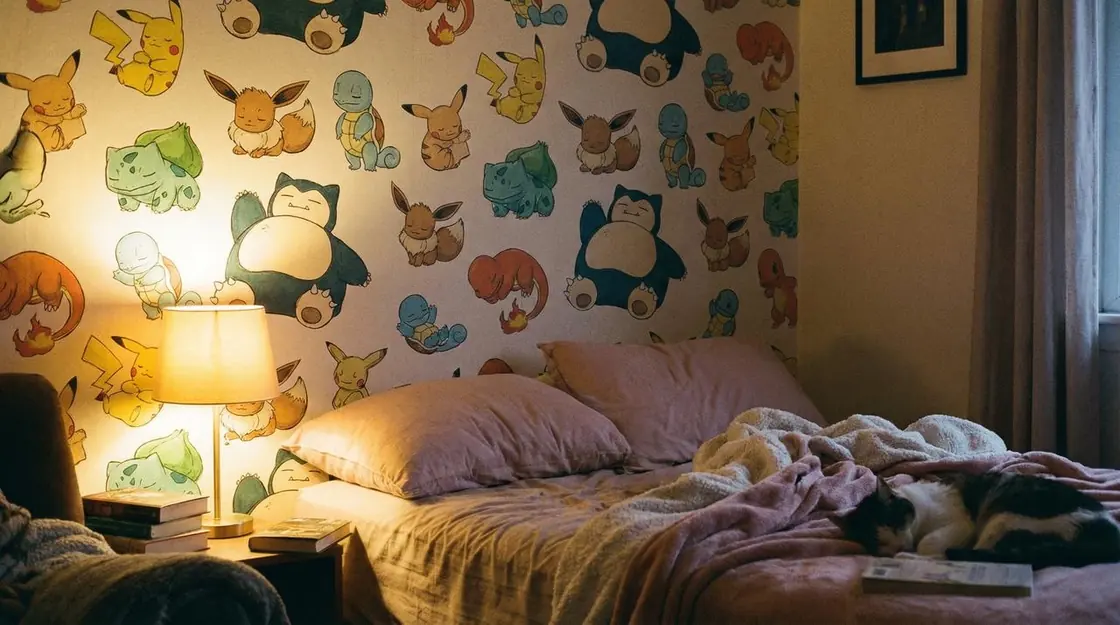 Adventure Worlds
A cozy creator bedroom filled with creature sketches and model sheets, warm lamplight, a sleeping fantasy companion, and a personal fan-art atmosphere.
Try This Prompt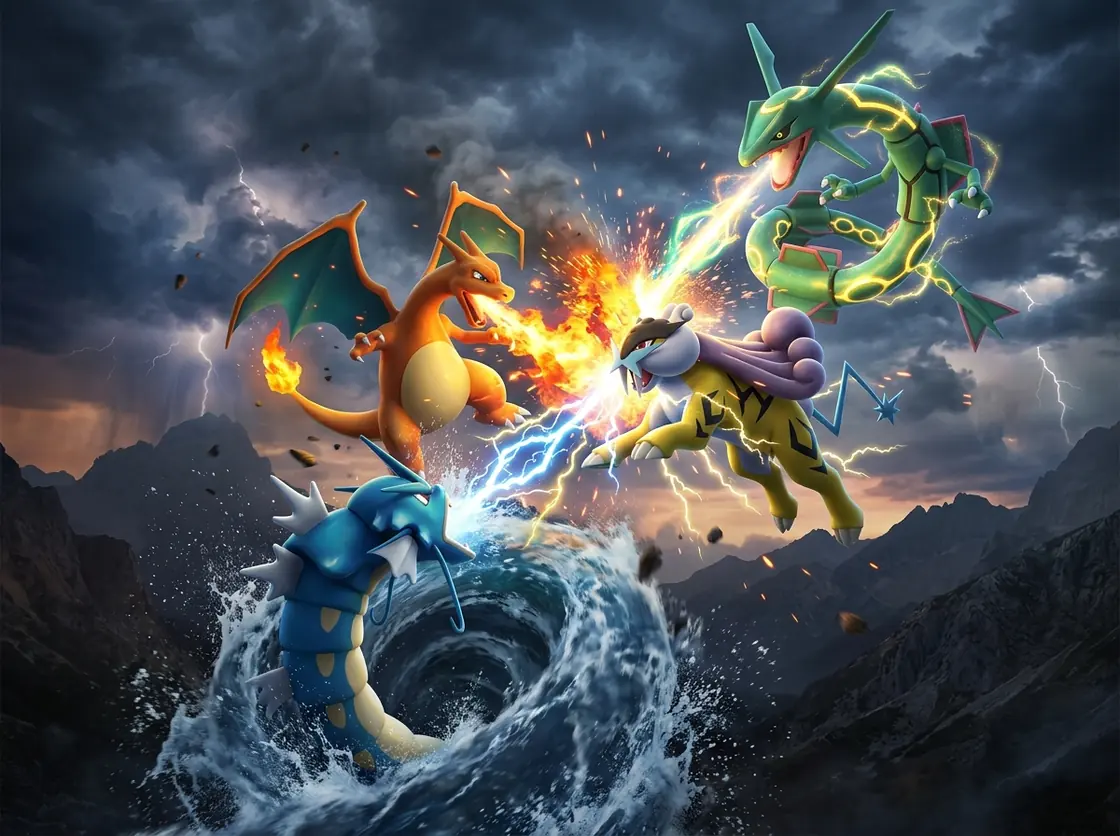 Legendary & Cinematic
Original fire, water, lightning, and dragon-like creatures clash above dramatic clouds, cinematic energy trails, readable silhouettes, and a widescreen battle composition.
Try This Prompt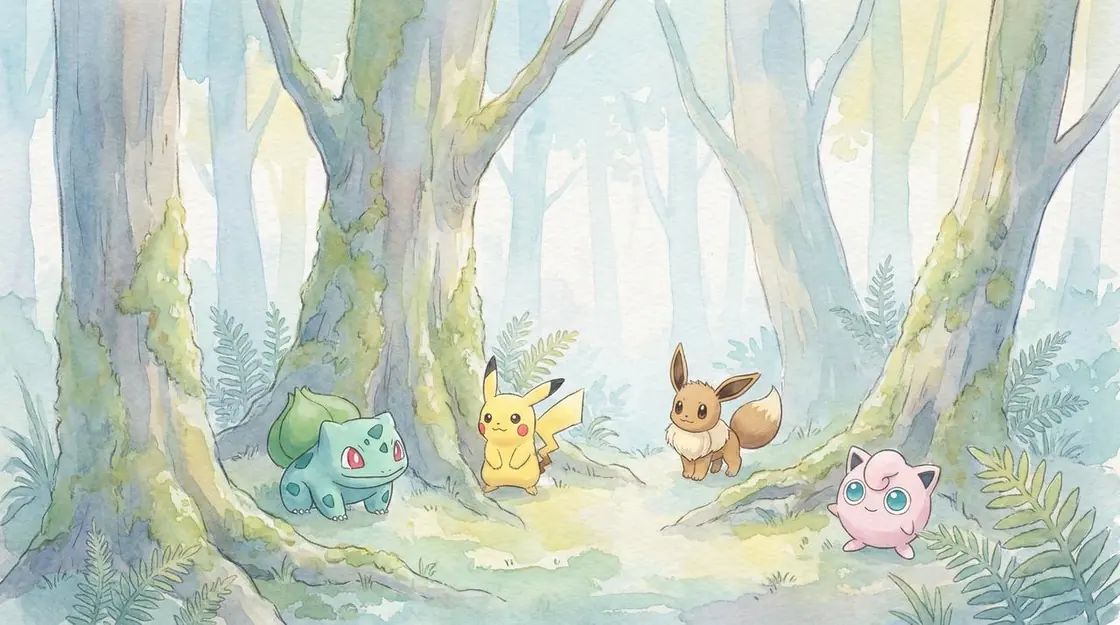 Legendary & Cinematic
Creature companions follow a lantern through a bioluminescent forest, drifting spores, deep blue shadows, luminous plants, and a scene that suggests gentle movement.
Try This Prompt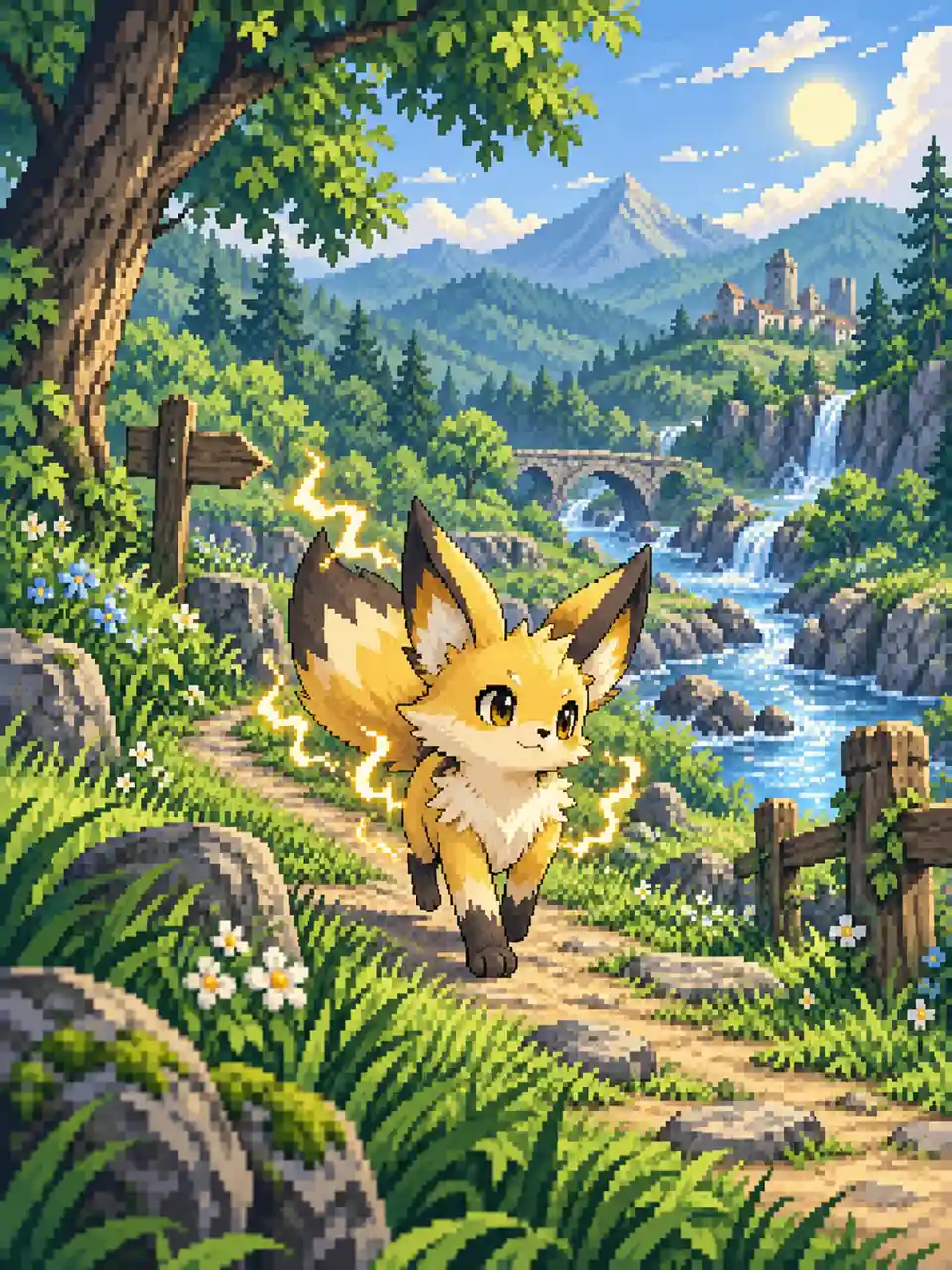 Retro Pixel Art
An original electric fox-like creature follows a bright forest path past a river, waterfall, distant castle, and mountain range in crisp 16-bit pixel art.
Try This Prompt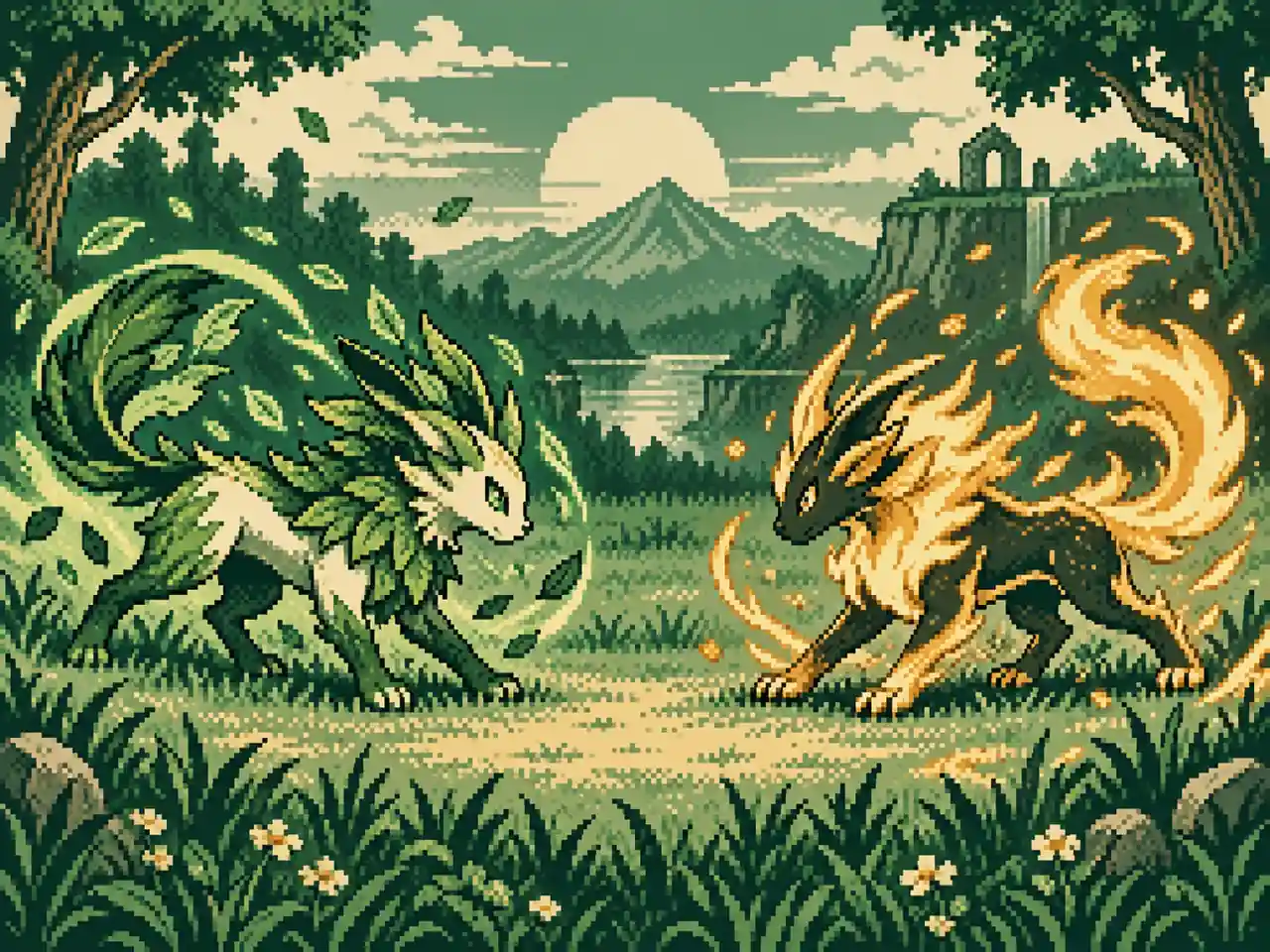 Retro Pixel Art
Two original elemental creatures face each other in a grassy clearing, limited emerald and amber palette, bold pixel silhouettes, and no game interface or text.
Try This Prompt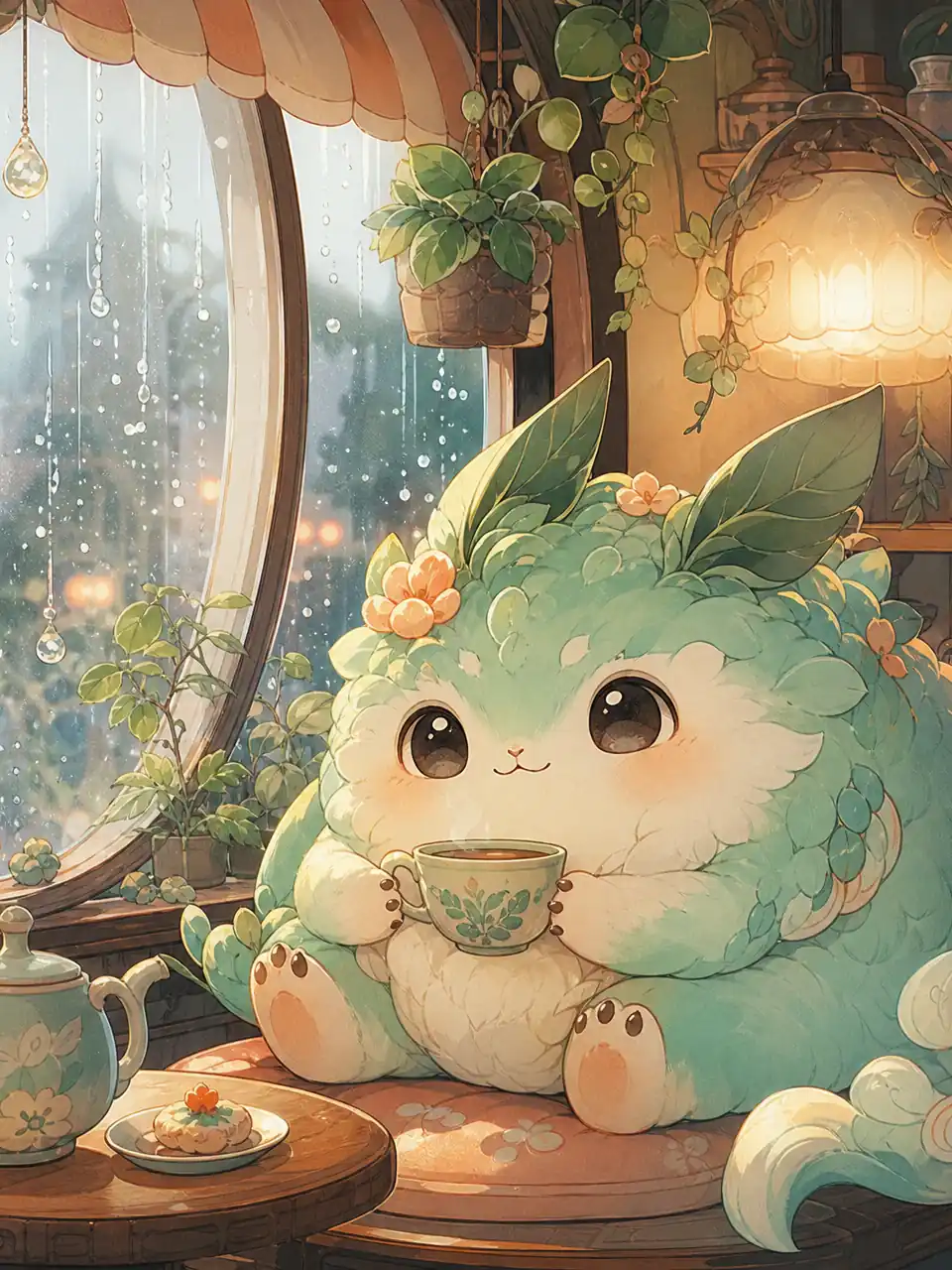 Kawaii & Cozy
A round mint-colored fantasy companion holds a warm cup inside a tiny cafe, rain on the curved window, hanging plants, and soft apricot light.
Try This Prompt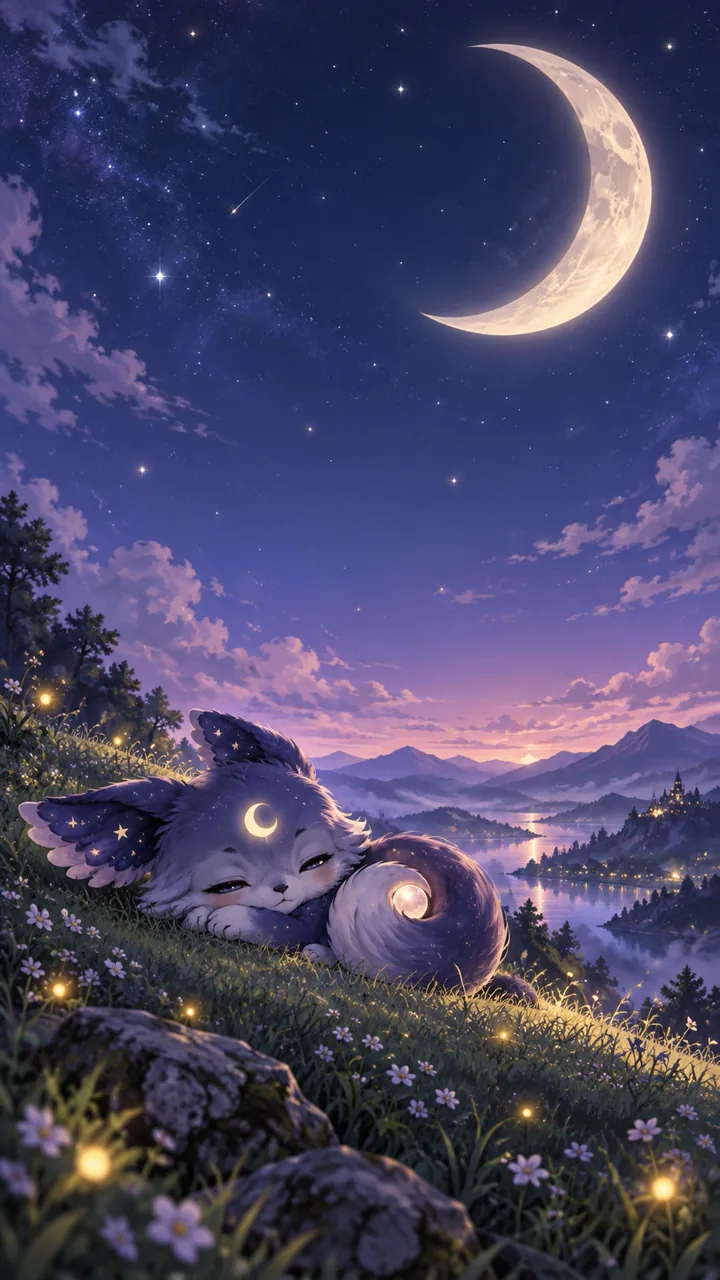 Kawaii & Cozy
A moon-element creature sleeps on a hill beneath a crescent moon, lavender clouds and fireflies around it, with generous clean space for the phone clock.
Try This Prompt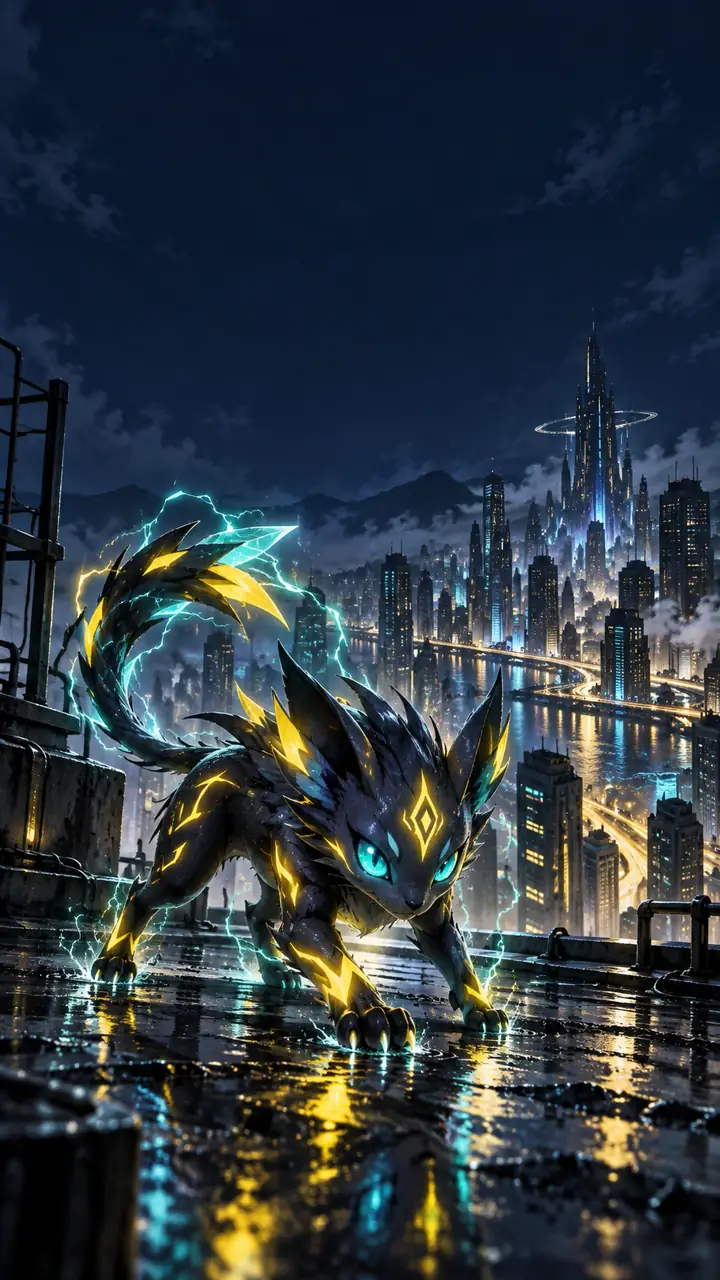 Phone & Desktop
An original electric creature crouches on a rain-dark rooftop above a futuristic city, yellow and teal energy accents, with open sky for phone icons.
Try This Prompt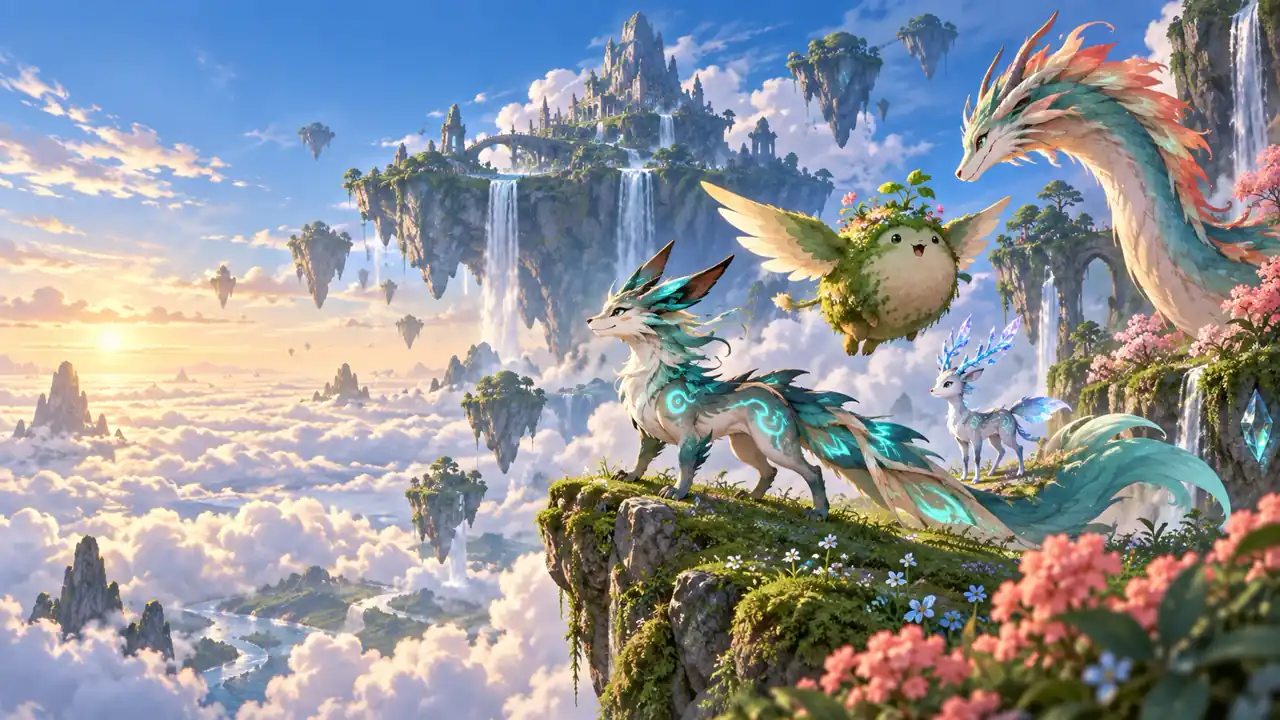 Phone & Desktop
Original fantasy creatures explore floating islands above sunlit clouds, waterfalls and flowering cliffs surrounding them, with a calmer left side for desktop folders.
Try This PromptCreate screen-ready fan-style art with better control over creatures, composition, lighting, and format.
Create a phone wallpaper, desktop background, ultrawide scene, avatar crop, or poster concept with the destination ratio planned from the beginning.
Direct the element, silhouette, markings, personality, expression, and pose. The AI Pokemon Wallpaper Generator works best when the creature has a focused visual identity.
Move between anime adventure, kawaii storybook scenes, pixel art, painterly landscapes, and cinematic battles while keeping the same core idea.
Specify the environment, weather, season, time of day, camera angle, palette, lighting, and icon-safe spacing for a more intentional composition.
Try the enabled GlobalGPT image models from one workspace. Compare how each model interprets the same creature, scene, and wallpaper prompt.
Improve one variable at a time. Simplify a crowded background, clarify the pose, add negative space, or change the color balance before generating again.
Three creators share how clearer prompts improved their phone and desktop wallpaper ideas.
The phone-ratio prompt gave me enough space around the creature for icons instead of cropping the whole scene. The AI Pokemon Wallpaper Generator made the planning step much clearer.
I switched between pixel art and a cinematic battle idea while keeping the same original creature concept. The examples helped me write a more specific prompt.
Adding the lighting, season, and camera angle made my desktop wallpaper feel much more deliberate. I also liked having several image models in one place.
See four relevant wallpaper directions shared by creators and collectors.
It is a prompt-based image tool for creating custom Pokemon-style fan art and original creature wallpapers for personal screens and creative projects.
Describe an original creature, its element and pose, the environment, art style, lighting, color palette, camera angle, and screen ratio. Add negative space when you need room for icons.
Yes. Choose 9:16 for most phone backgrounds, 16:9 for desktops, and an ultrawide ratio when the selected image model and destination support it.
Yes. Keep the subject consistent, then change the palette, line treatment, environment, lighting, and composition to create clearly different wallpaper styles.
No. GlobalGPT is not affiliated with or endorsed by Nintendo, Game Freak, or The Pokemon Company. Create original fan-style concepts and respect applicable rights.