

Pencil with Visible Character
Ask for graphite grain, selective detail, and paper-white highlights. These cues help define the hand-drawn look you want from an AI sketch generator.
Prompt Guide
Model
Reference Image
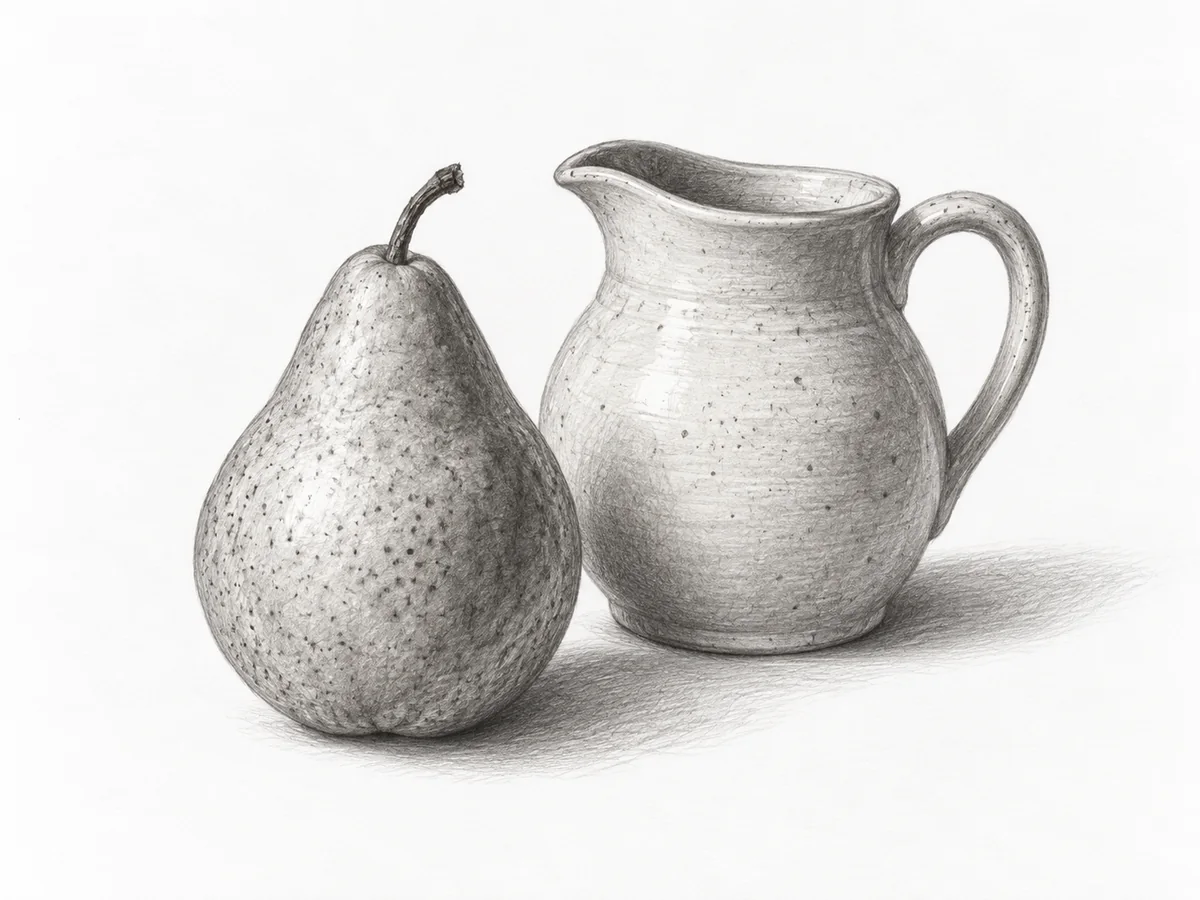
Turn an idea into expressive linework. Use the GlobalGPT AI sketch generator to explore pencil portraits, ink architecture, charcoal studies, and colored pencil concepts. Describe the subject and the marks you want, then refine the result one detail at a time.
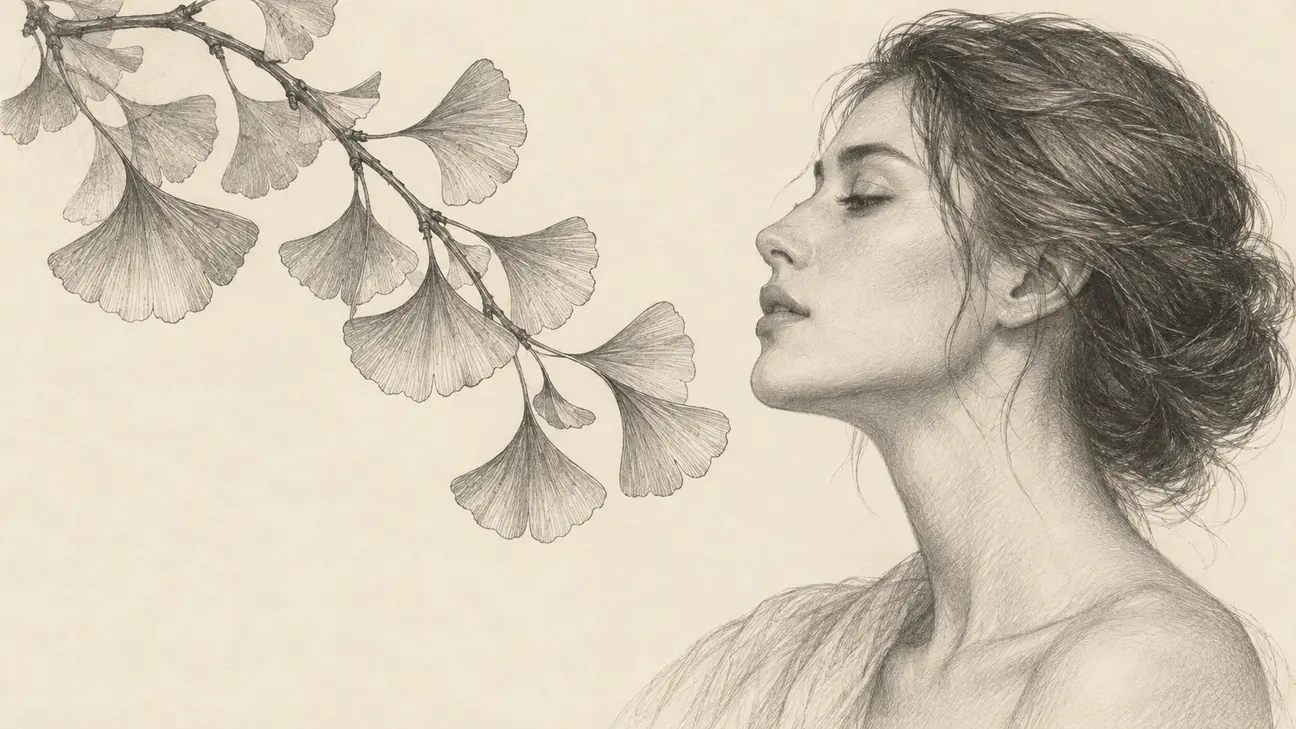
Build a clearer drawing brief in four steps.
Give the AI sketch generator a clear subject and viewpoint: a curled cat from above, a street corner at eye level, or a portrait in profile. Keep the first composition simple.
Specify graphite pencil, black ink, charcoal, or colored pencil. Add fine crosshatching, loose contours, soft shading, or visible paper grain. Ask for the drawing itself without pencils, signatures, or text.
Choose a landscape, classic, square, or portrait format for your AI sketch generator output. Leave breathing room around the subject. If reference upload is available, use an image you have permission to transform.
Check faces, paws, perspective, and unwanted objects before saving. Change one detail in the prompt, such as lighter shading or simpler background lines, then generate another interpretation.
Explore ten original drawing directions across four media. Generated with GPT Image 2. These illustrations show visual possibilities, not guaranteed replicas or model rankings. Adapt the prompt to your subject.
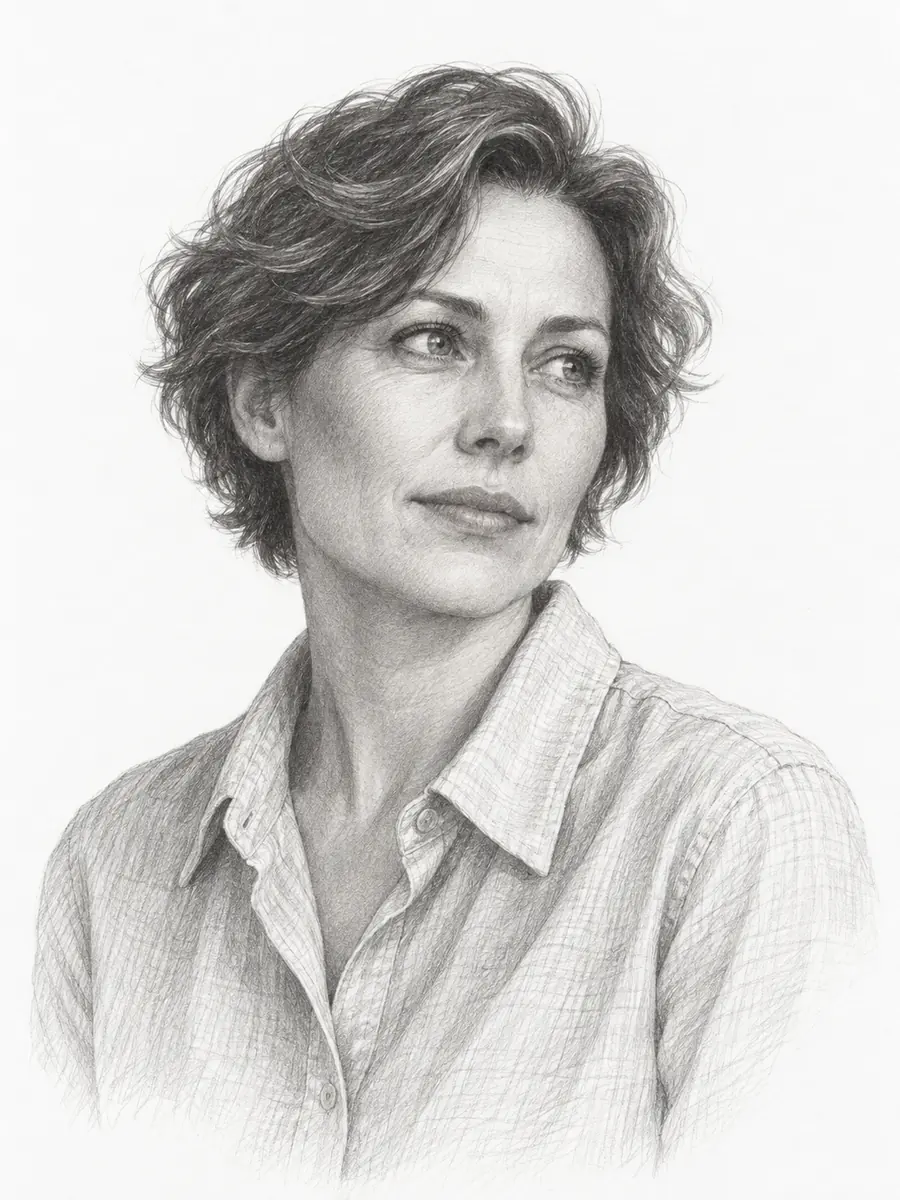 Graphite Pencil
Draw an adult woman with short wavy hair in a collared shirt. Use graphite, fine crosshatching, a three-quarter view and a quiet paper background.
Create a Similar Sketch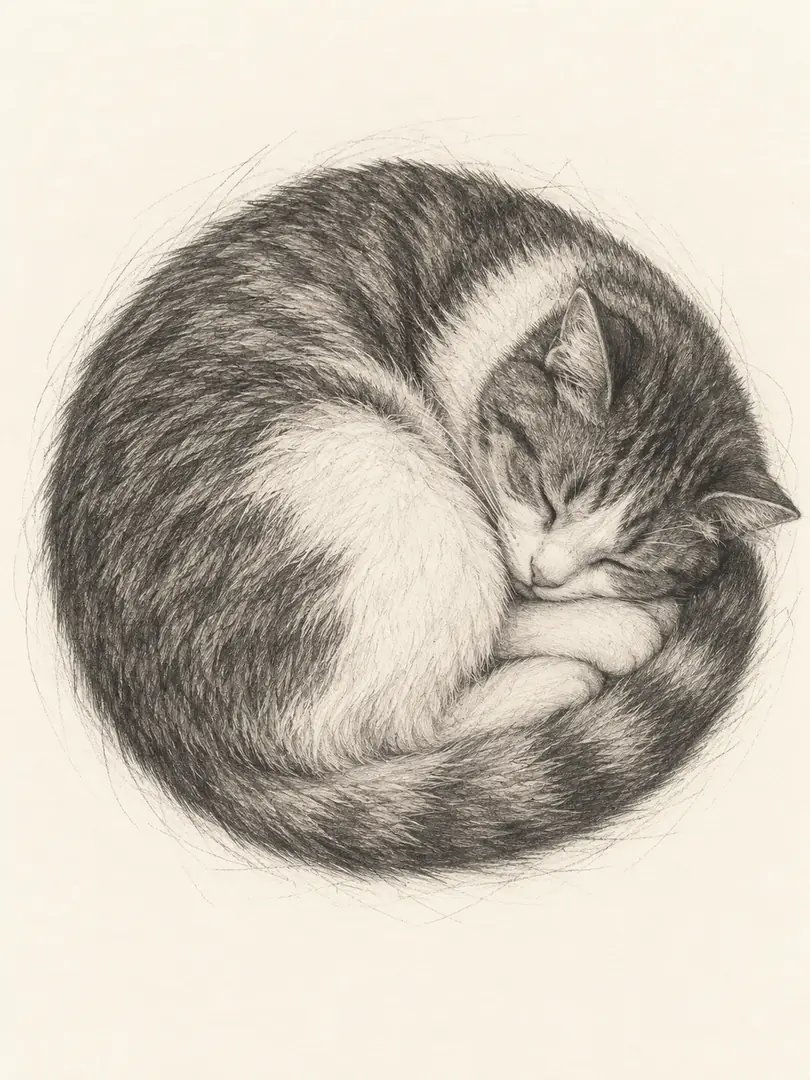 Graphite Pencil
Sketch a sleeping cat curled into a complete rounded shape, viewed from above. Use fine graphite fur strokes, tucked paws and loose outer construction lines.
Create a Similar Sketch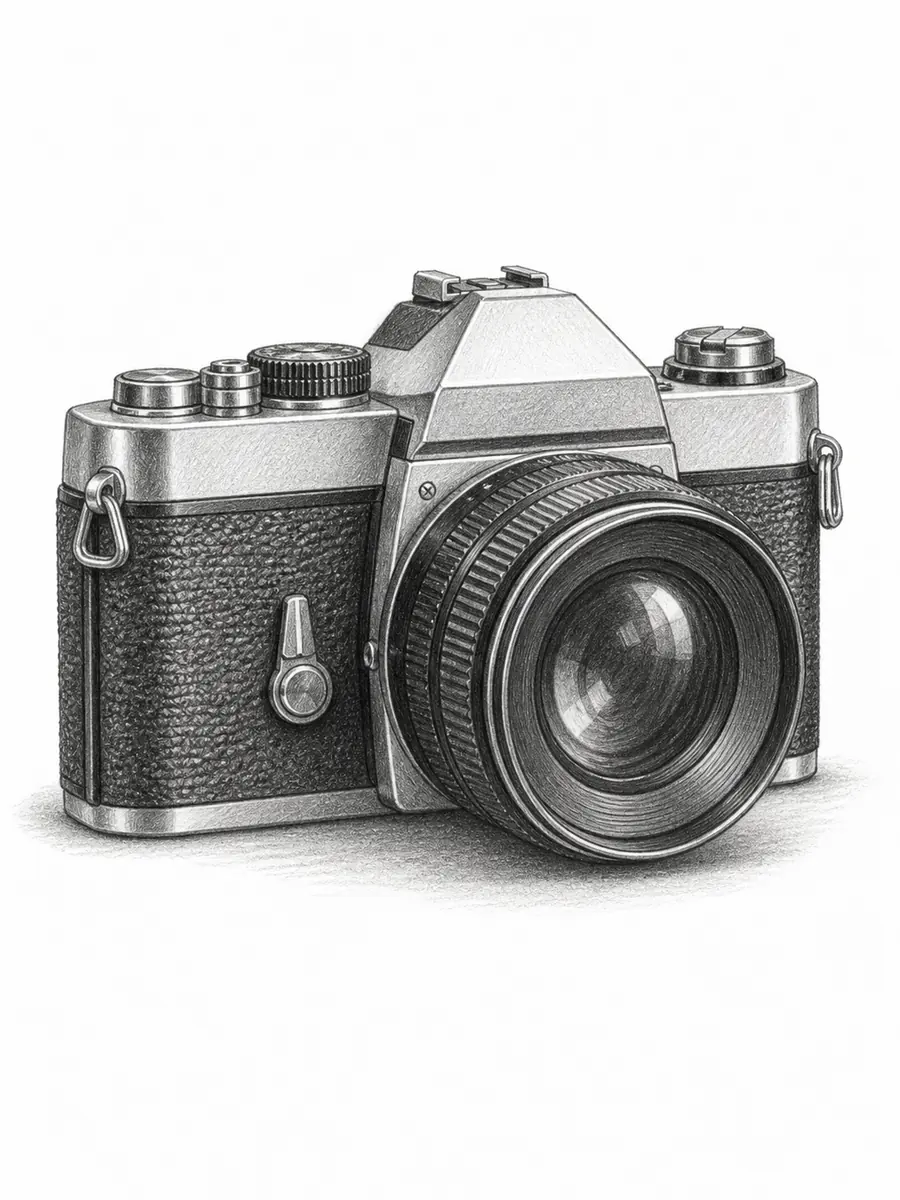 Graphite Pencil
Draw an unbranded vintage camera in three-quarter view. Use precise graphite hatching, one circular lens, textured grip and a grounded cast shadow.
Create a Similar Sketch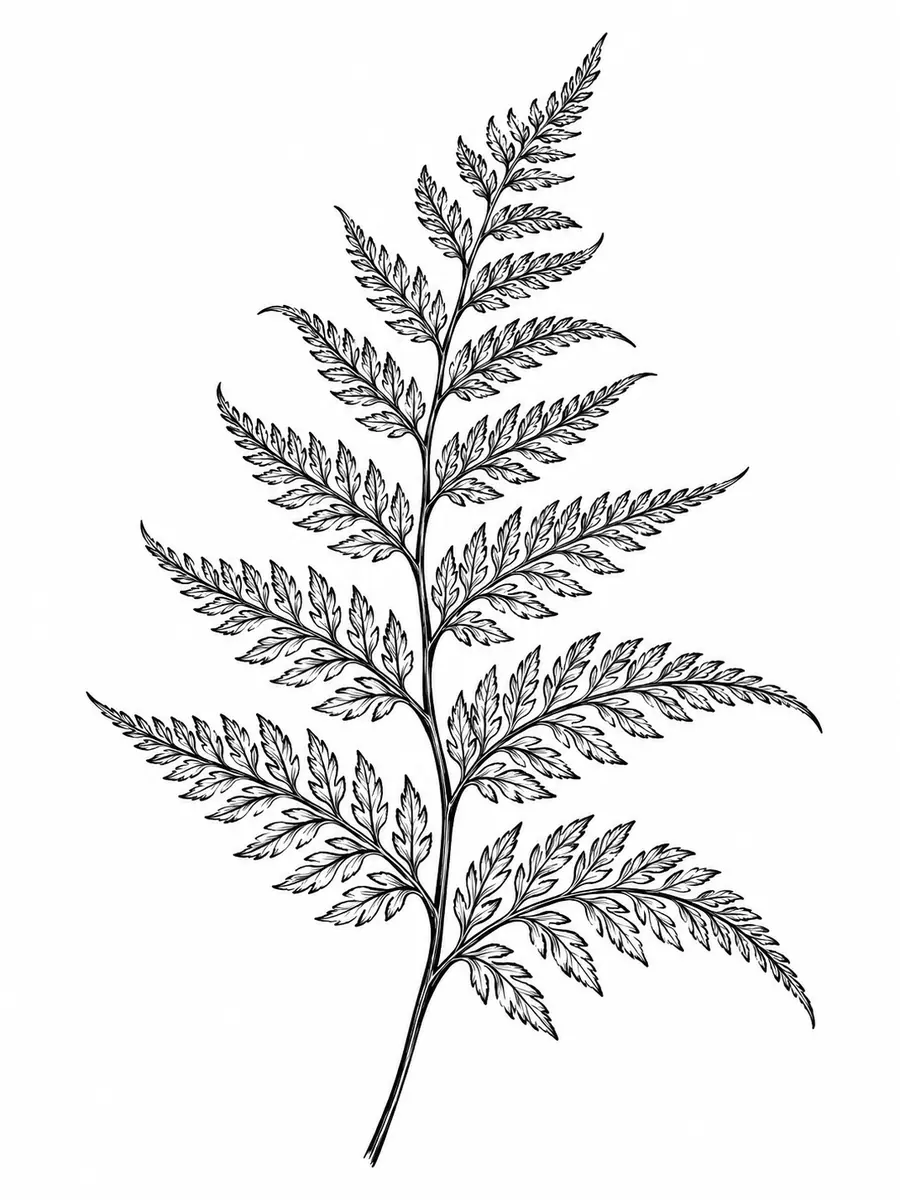 Ink Line Art
Create a black ink fern study with separate leaflets, varied line pressure and open white space. Keep the contours clean without gray washes.
Create a Similar Sketch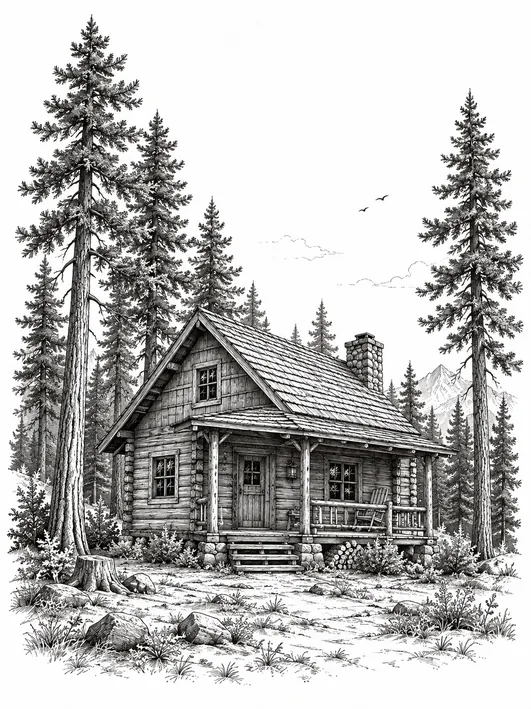 Ink Line Art
Sketch a timber cabin beneath tall pines in black pen. Use believable roof perspective, crosshatched wood, sparse sky and distinct tree silhouettes.
Create a Similar Sketch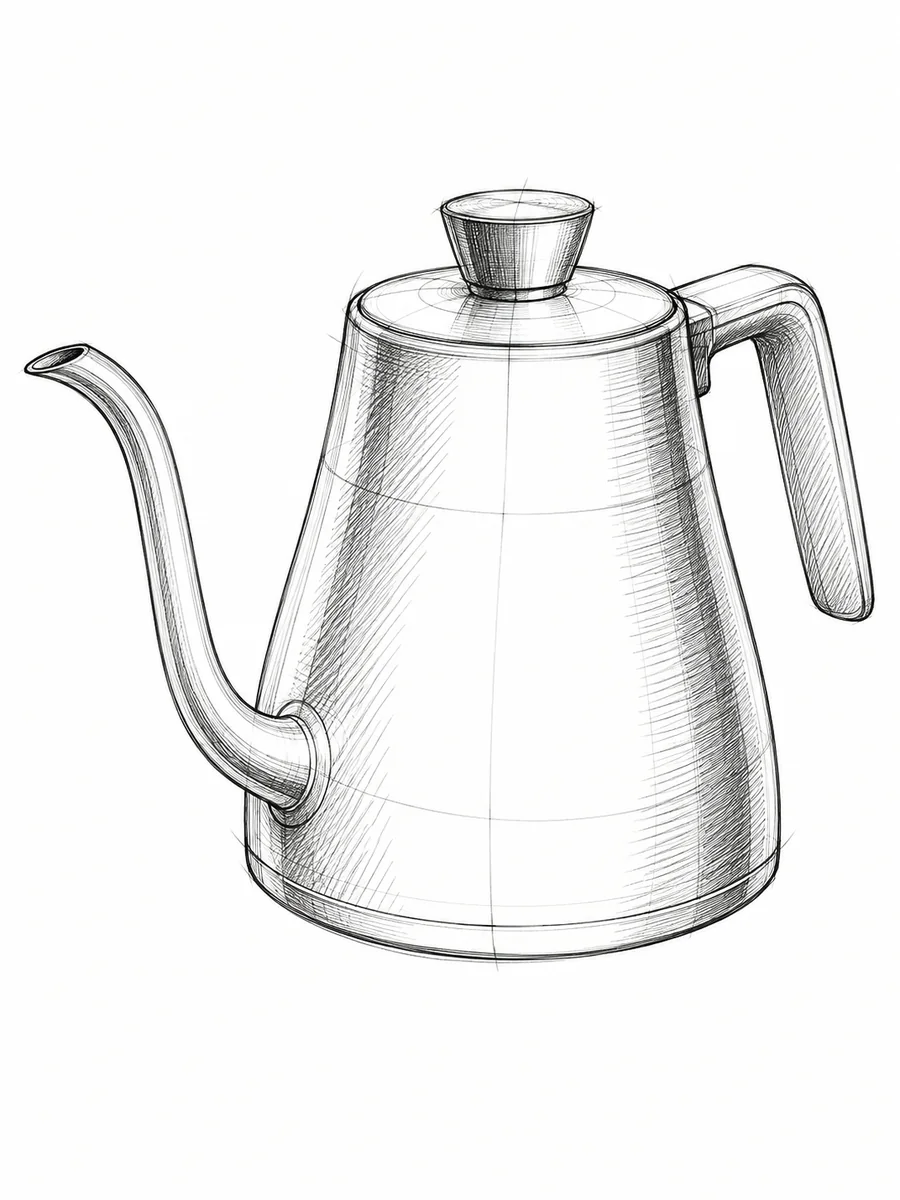 Ink Line Art
Draw a gooseneck kettle in black fineliner. Show a coherent spout, handle and elliptical construction lines. Keep the product concept unbranded and unannotated.
Create a Similar Sketch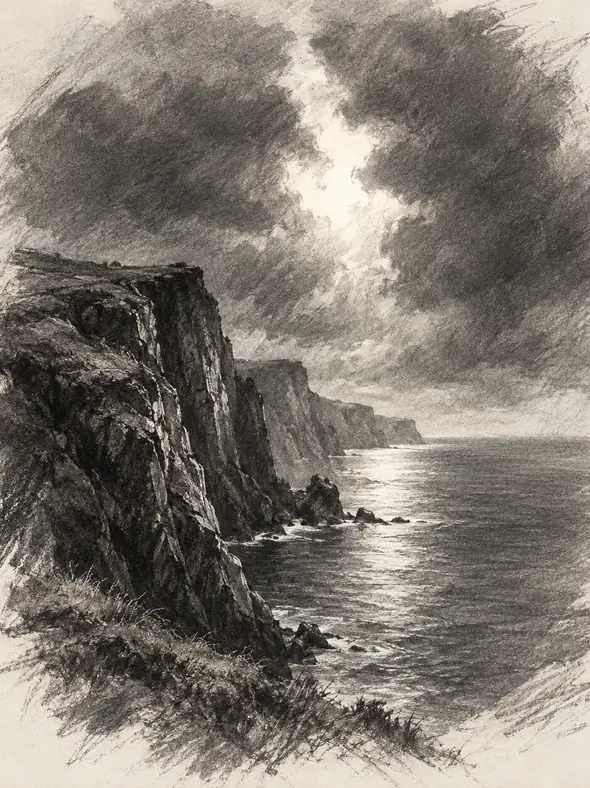 Charcoal
Create a charcoal seascape with a rugged cliff and a narrow break in the clouds. Use broad shadow masses, soft edges and erased highlights.
Create a Similar Sketch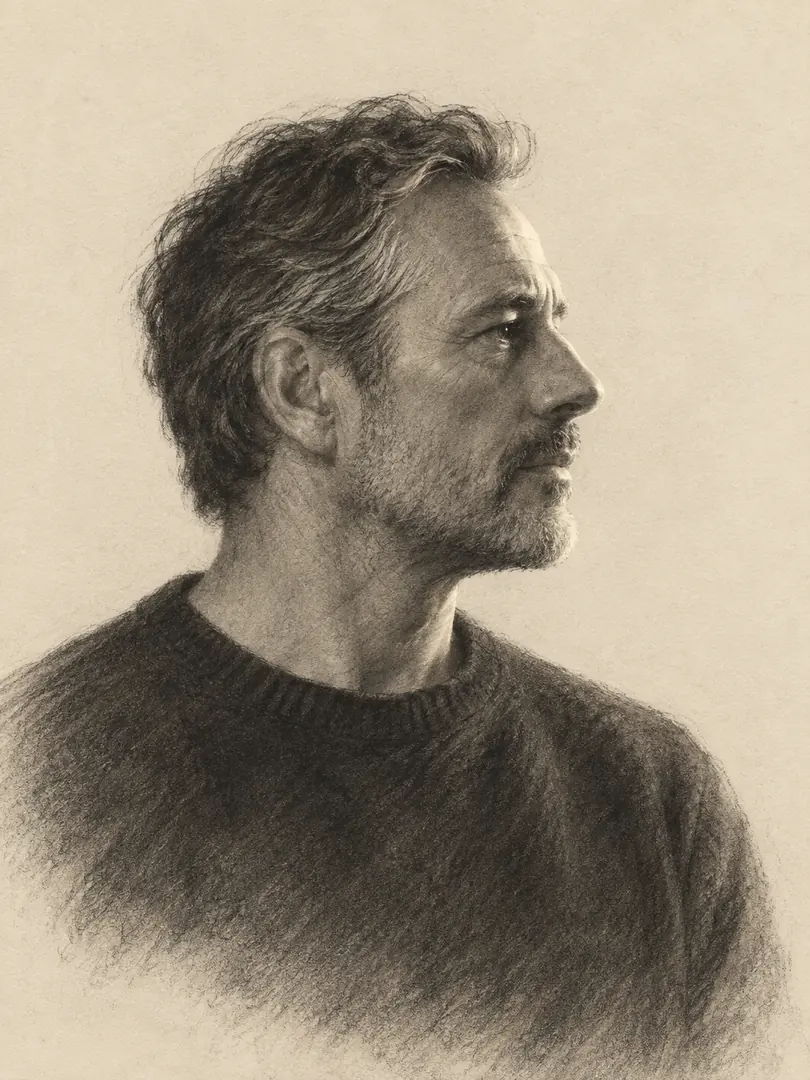 Charcoal
Sketch an adult man in right-facing profile wearing a crewneck sweater. Use charcoal grain, a clean nose contour and gentle side lighting.
Create a Similar Sketch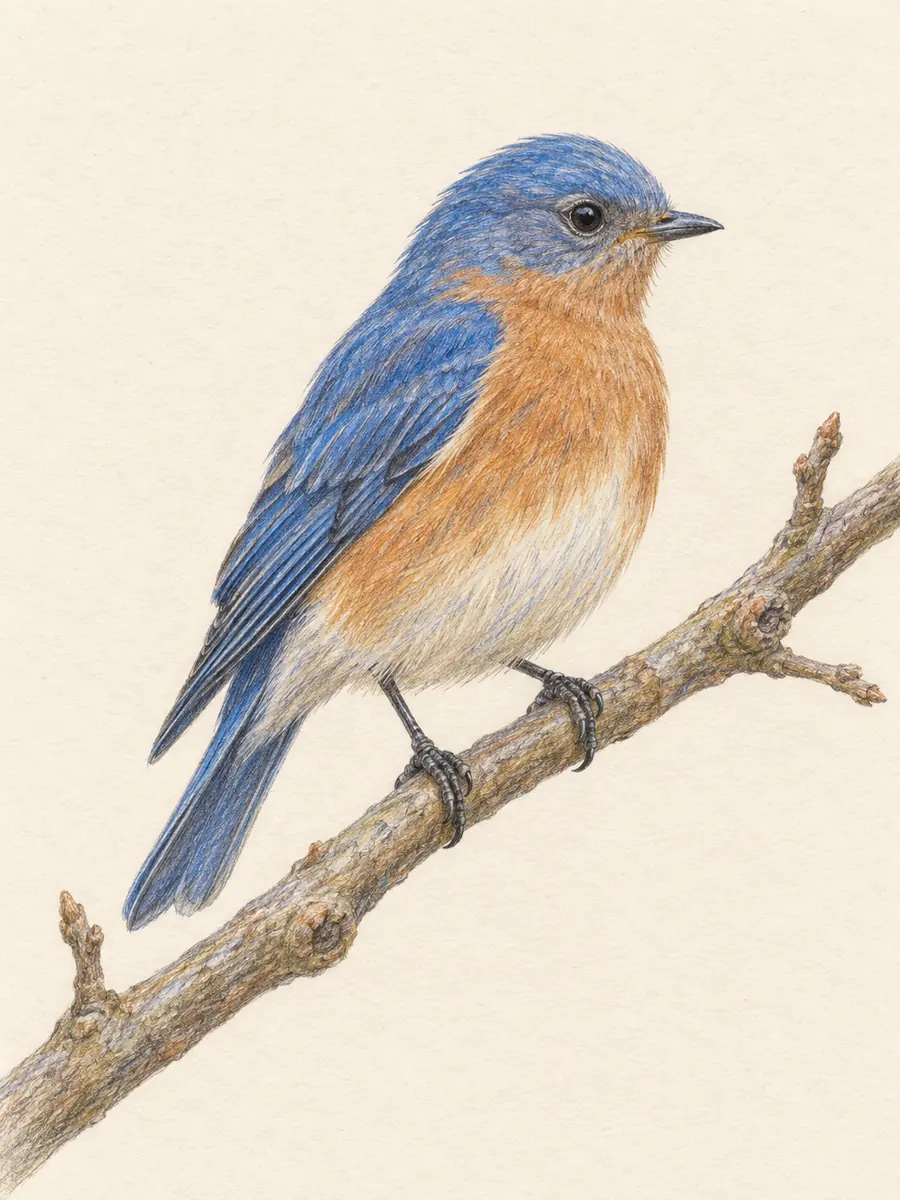 Colored Pencil
Draw a blue songbird perched on a diagonal branch. Use layered colored pencil, muted ochre accents, delicate feathers and anatomically coherent feet.
Create a Similar Sketch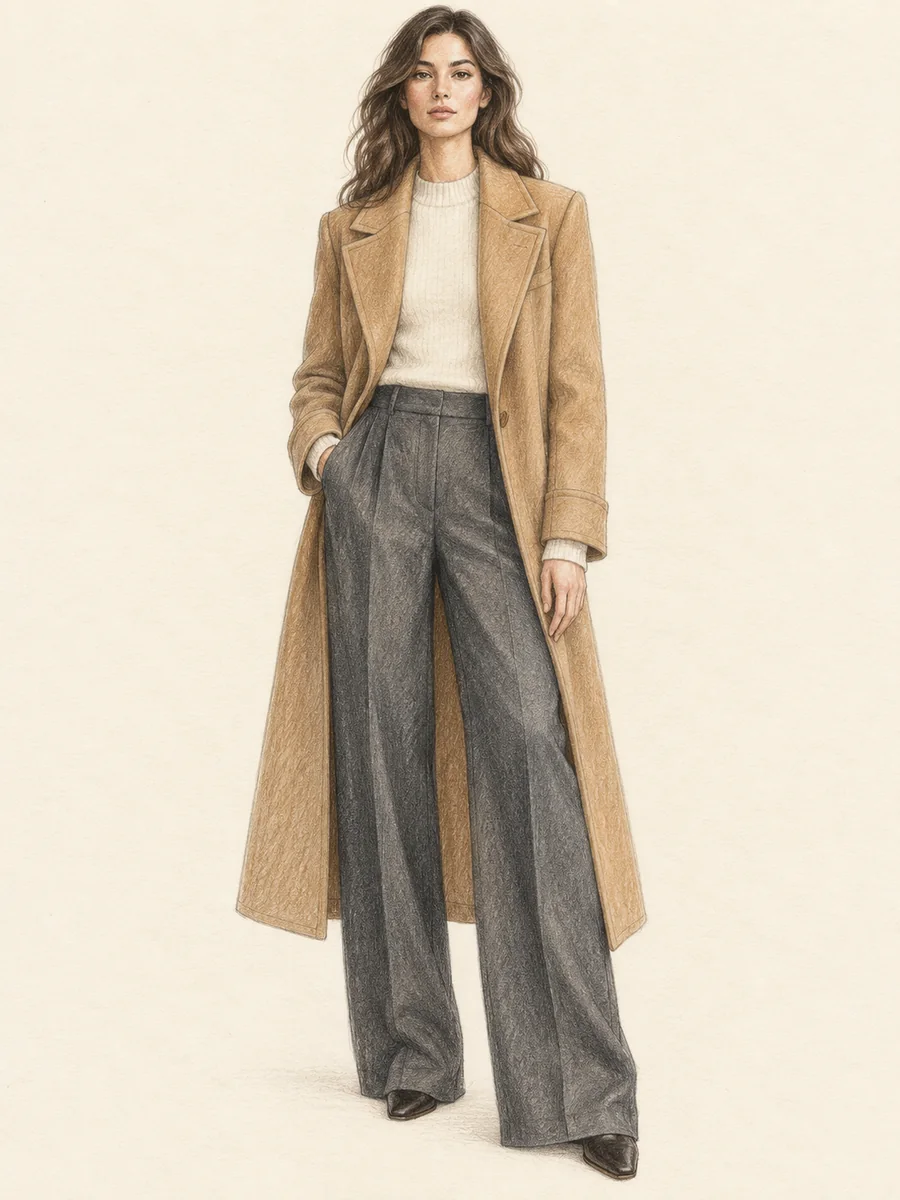 Colored Pencil
Create a colored pencil fashion sketch of an adult woman in a long camel coat and trousers. Include her complete figure, garment seams and relaxed arms.
Create a Similar SketchUse the AI sketch generator as a starting point for a more deliberate visual idea.
Ask for graphite grain, selective detail, and paper-white highlights. These cues help define the hand-drawn look you want from an AI sketch generator.
Specify clean contours, varied line weight, and an uncluttered background. For buildings and products, inspect how edges and ellipses meet.
Guide the AI sketch generator toward dark masses, soft edges, and erased highlights. Keep the focal silhouette readable instead of filling every area with shading.
Request visible colored pencil strokes and restrained accents. Leave parts of the paper exposed so the result retains a drawn texture.
Explore Nano Banana 2, GPT Image 2, Seedream 5.0 Lite, and FLUX.2 Pro in GlobalGPT. Compare the same brief by linework, composition, and subject clarity.
Each AI sketch generator example names a subject, medium, and composition. Replace one element to build a pet study, concept sheet, or illustration direction of your own.
Fictional scenarios for inspiration. Star icons are illustrative, not customer ratings.
Maya is planning a pet portrait gift. Her AI sketch generator brief asks for a curled cat, fine graphite fur, and plenty of white space. She would check the paws and silhouette before choosing a design.
Daniel is exploring a cafe concept. He uses an ink architecture direction to discuss the building shape and entrance. The sketch is visual inspiration, not a measured architectural plan.
Sofia is preparing a nature illustration mood board. She tests a colored pencil bird with a limited palette, checking feather shapes and branch placement before developing the artwork further.
An AI sketch generator creates images with drawing-like marks from a written description, and compatible tools can also use a reference photo. Describe the subject, medium, viewpoint, and shading to guide the result. The image is AI-generated, rather than a physical drawing.
Use a reference photo when the selected model and interface support image upload. Ask for the pose and key features to remain recognizable while changing the medium. Check likeness yourself: a photo to sketch result can alter details.
Name one medium and describe its marks: graphite hatching, ink contours, or charcoal grain. Ask for the artwork itself on a simple paper background, with no drawing tools or signatures. Remove conflicting photography or 3D-render instructions.
Check the current GlobalGPT plan, model access, and credits shown in your account before generating. Availability and trial conditions can vary; this page does not promise unlimited free sketches.
Inspect the downloaded dimensions and details at your intended print size. Before commercial use, review the current GlobalGPT and selected-model terms, reference-image permissions, and any recognizable trademarks. A generated image is not an automatic rights clearance.