

Create from a Description
Define your subject, composition, lighting, and visual style for portraits, product concepts, and illustrations.
Prompt Guide
Model
Reference Image
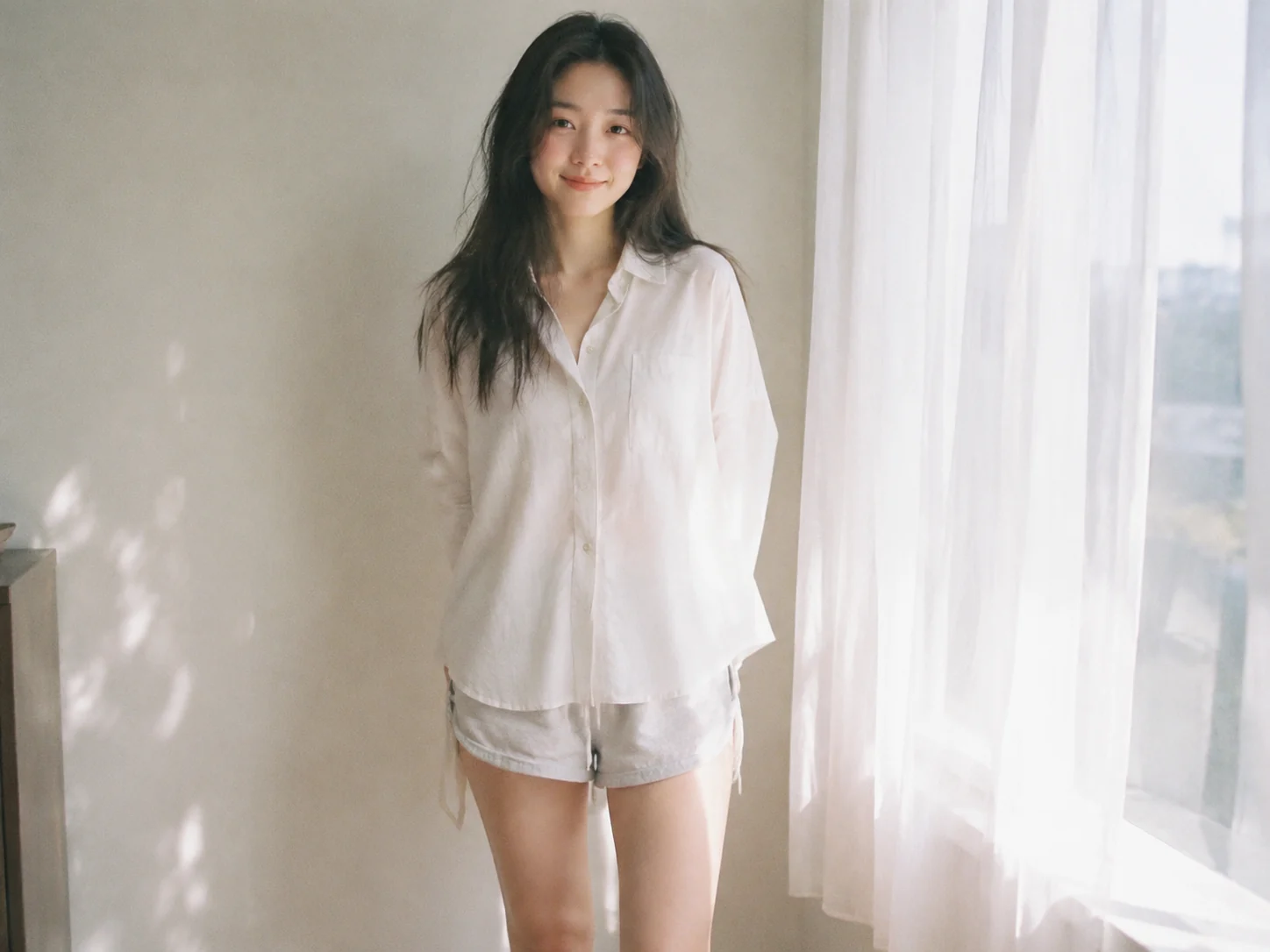
Create portraits, product visuals, posters, and illustrations on GlobalGPT. Start with the Nano Banana 2 trial or select GPT Image 2 for your project.
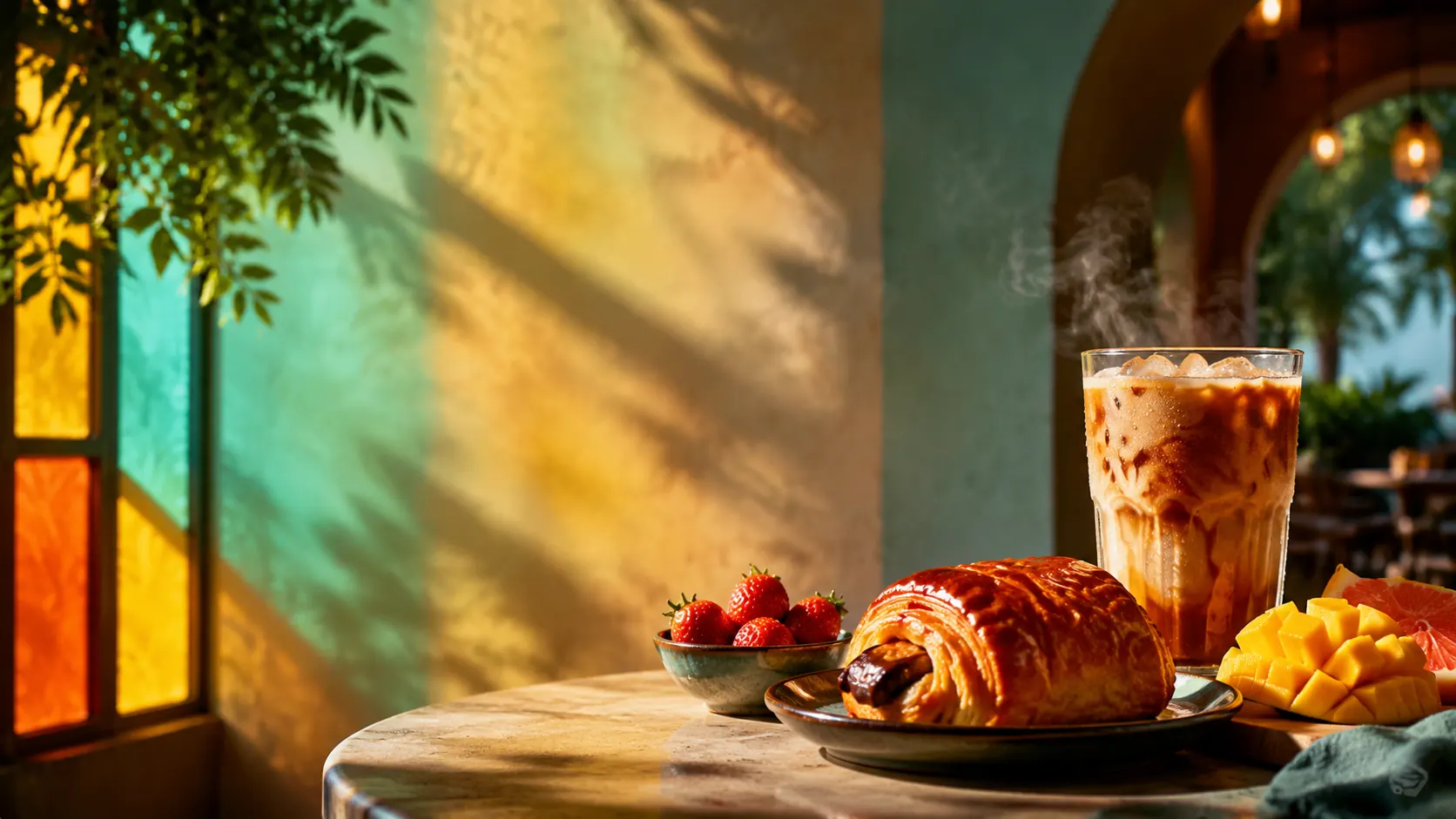
Browse prompt ideas for portraits, products, marketing creatives, fantasy art, and social media visuals.
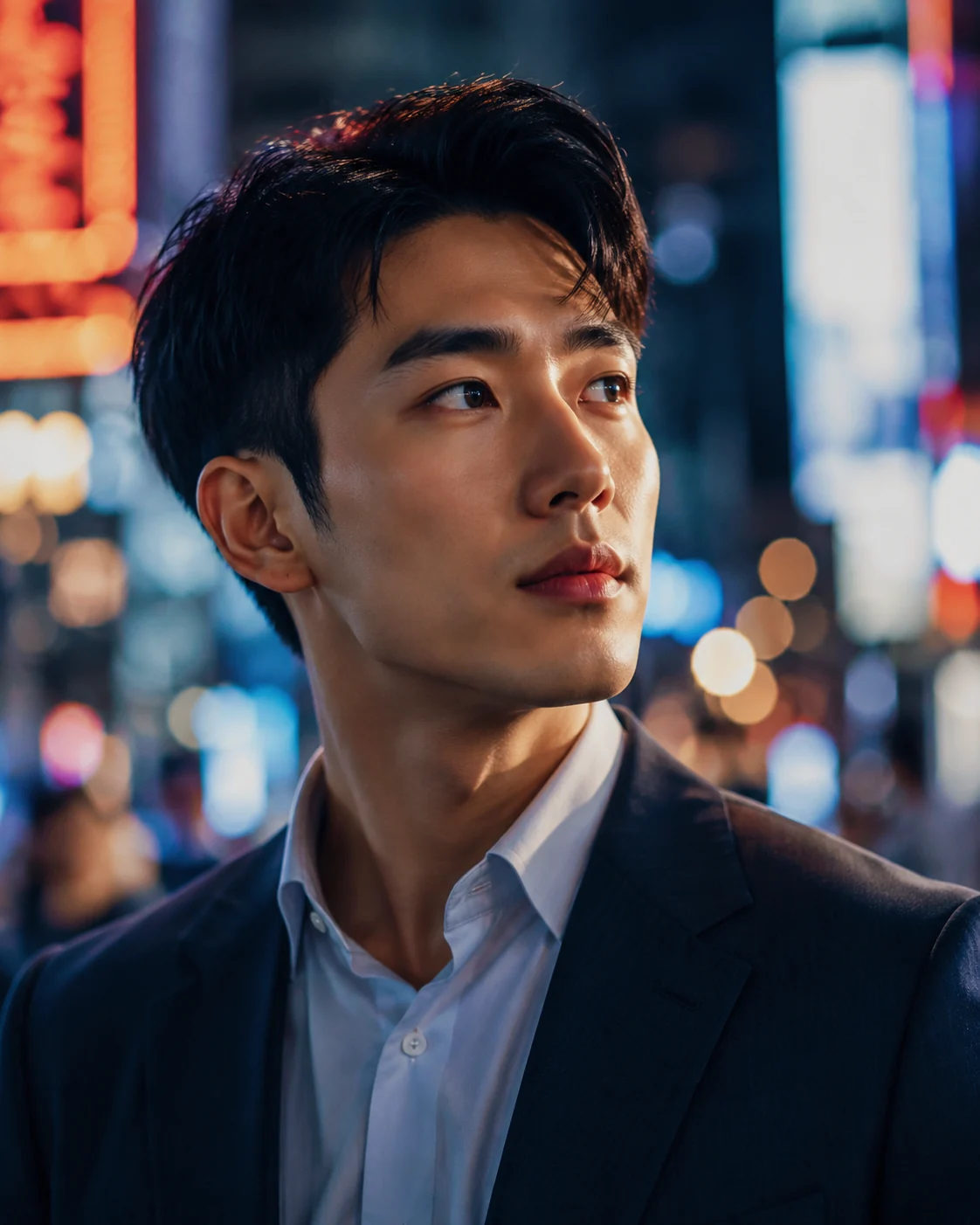 Portrait
A cinematic close-up portrait of a young entrepreneur in a neon-lit city at night, shallow depth of field, realistic skin texture, soft rim light, 85mm lens
Try This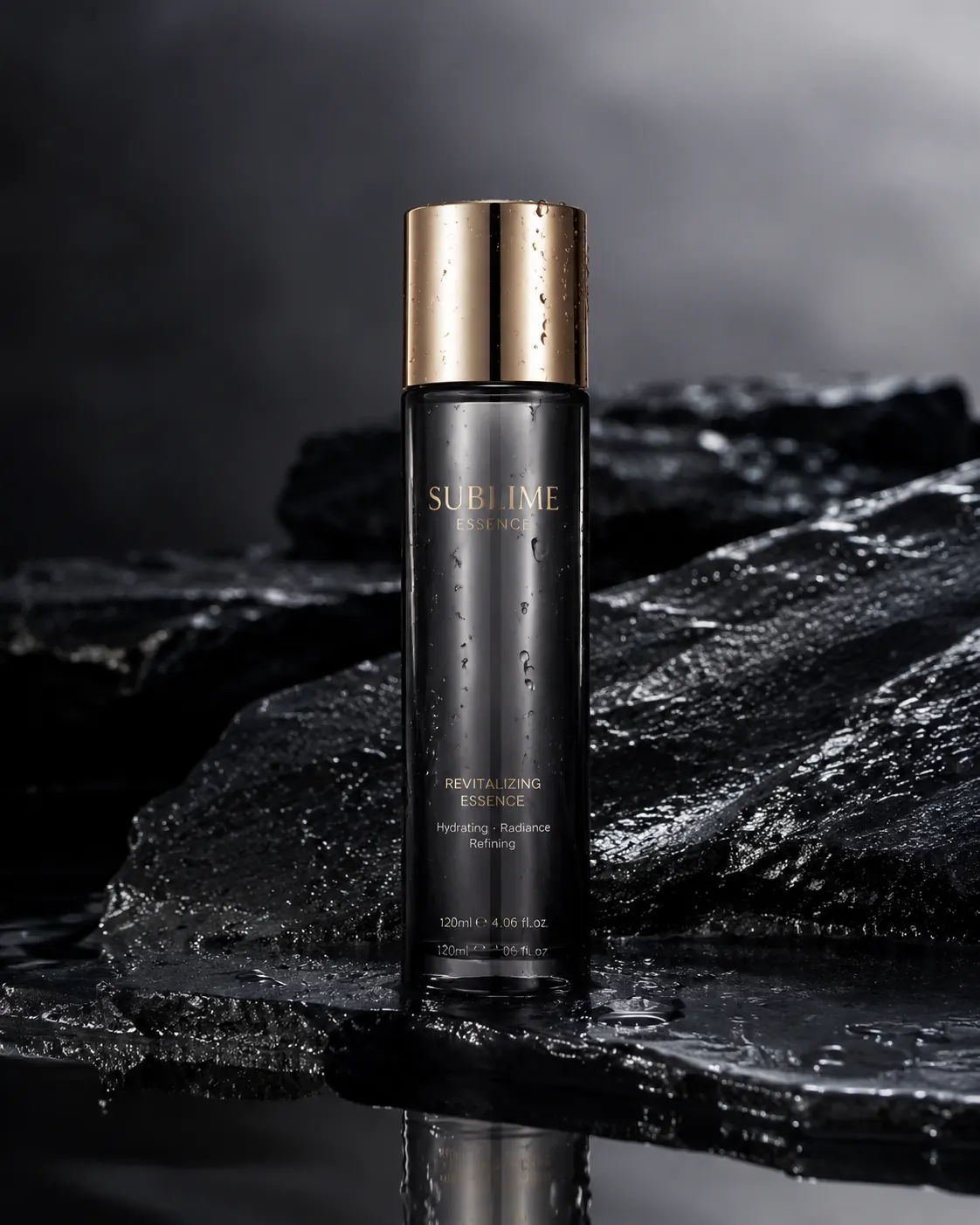 Product
A luxury skincare bottle on wet black stone with water droplets, soft studio lighting, reflective surface, premium commercial product photography
Try This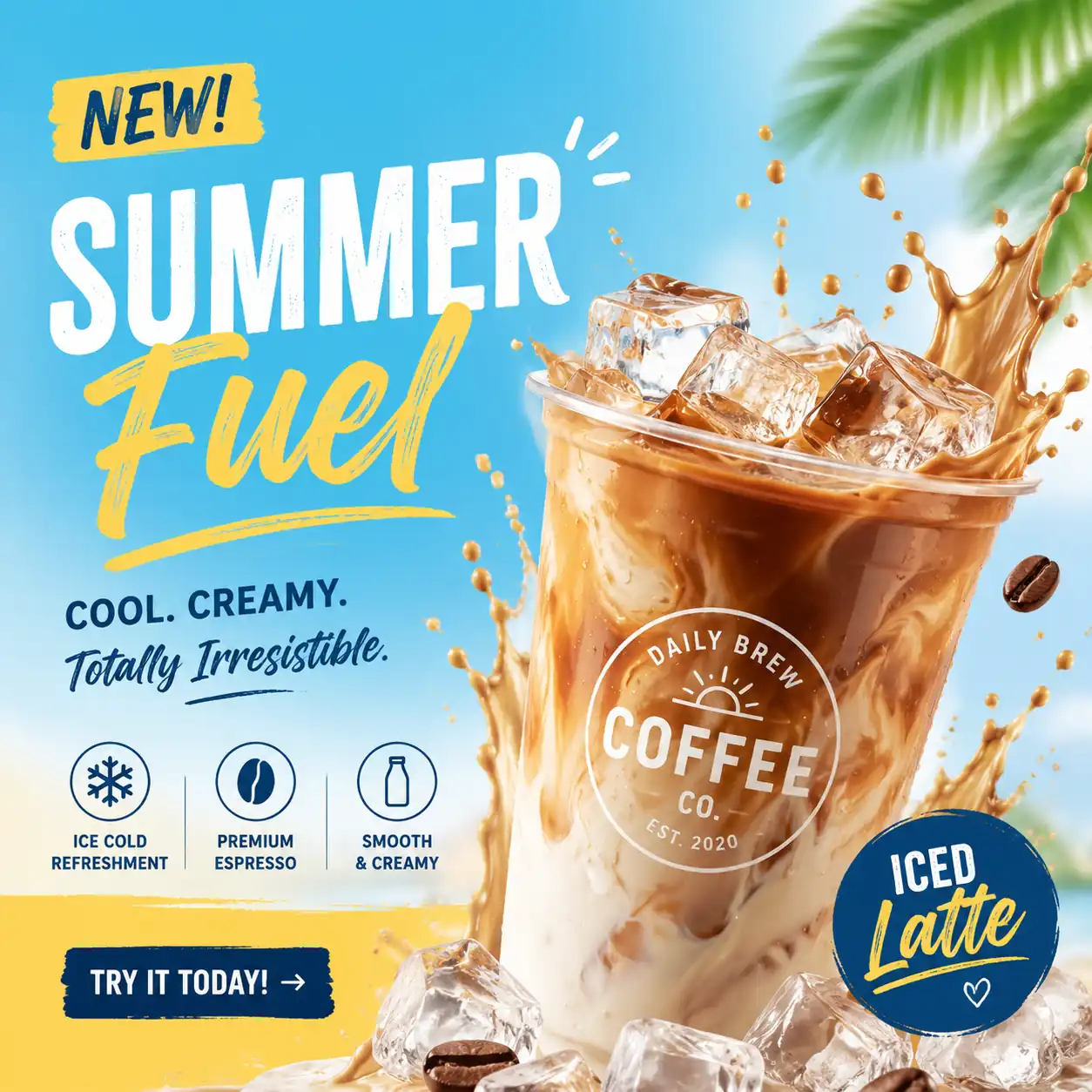 Marketing
A bold social media ad image for a summer coffee launch, iced latte splash, bright colors, modern typography space, clean commercial layout
Try This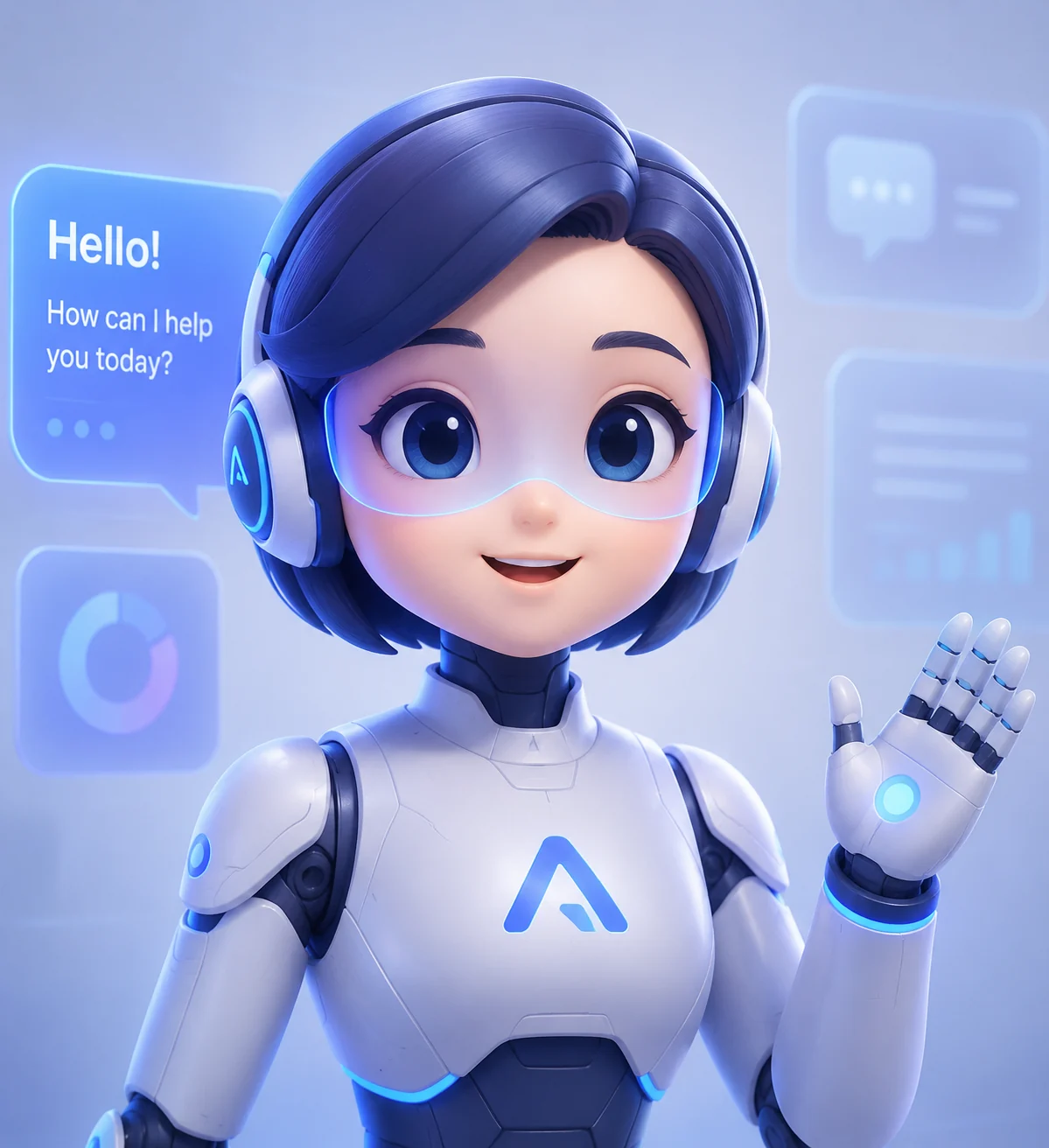 Avatar
A friendly futuristic AI assistant avatar, clean 3D illustration, expressive face, soft gradients, professional tech brand style, high detail
Try This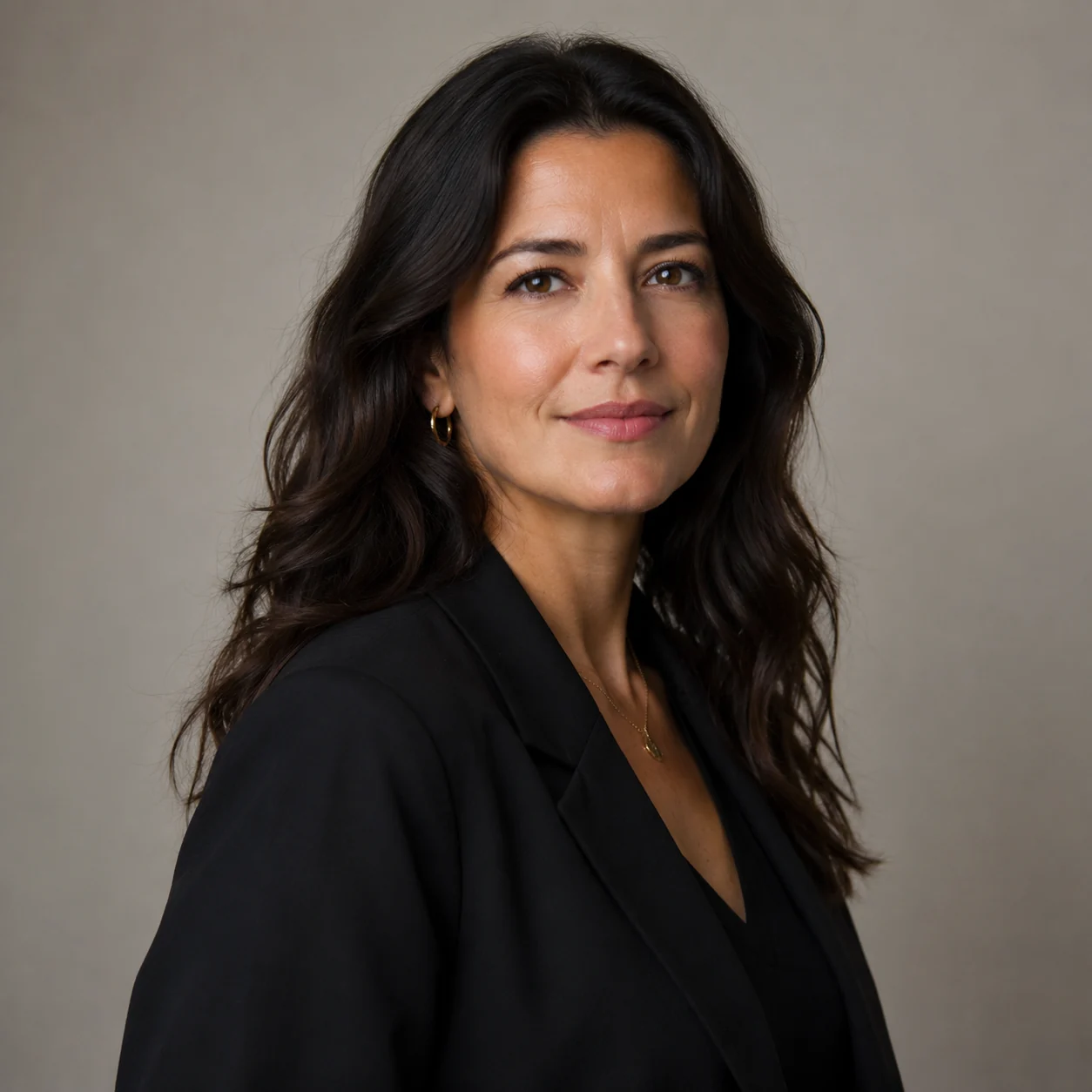 Portrait
Professional studio profile portrait of a fully clothed adult creative director, confident warm expression, soft key light, clean neutral background, realistic skin texture, no celebrity likeness, no logos, 1:1
Try This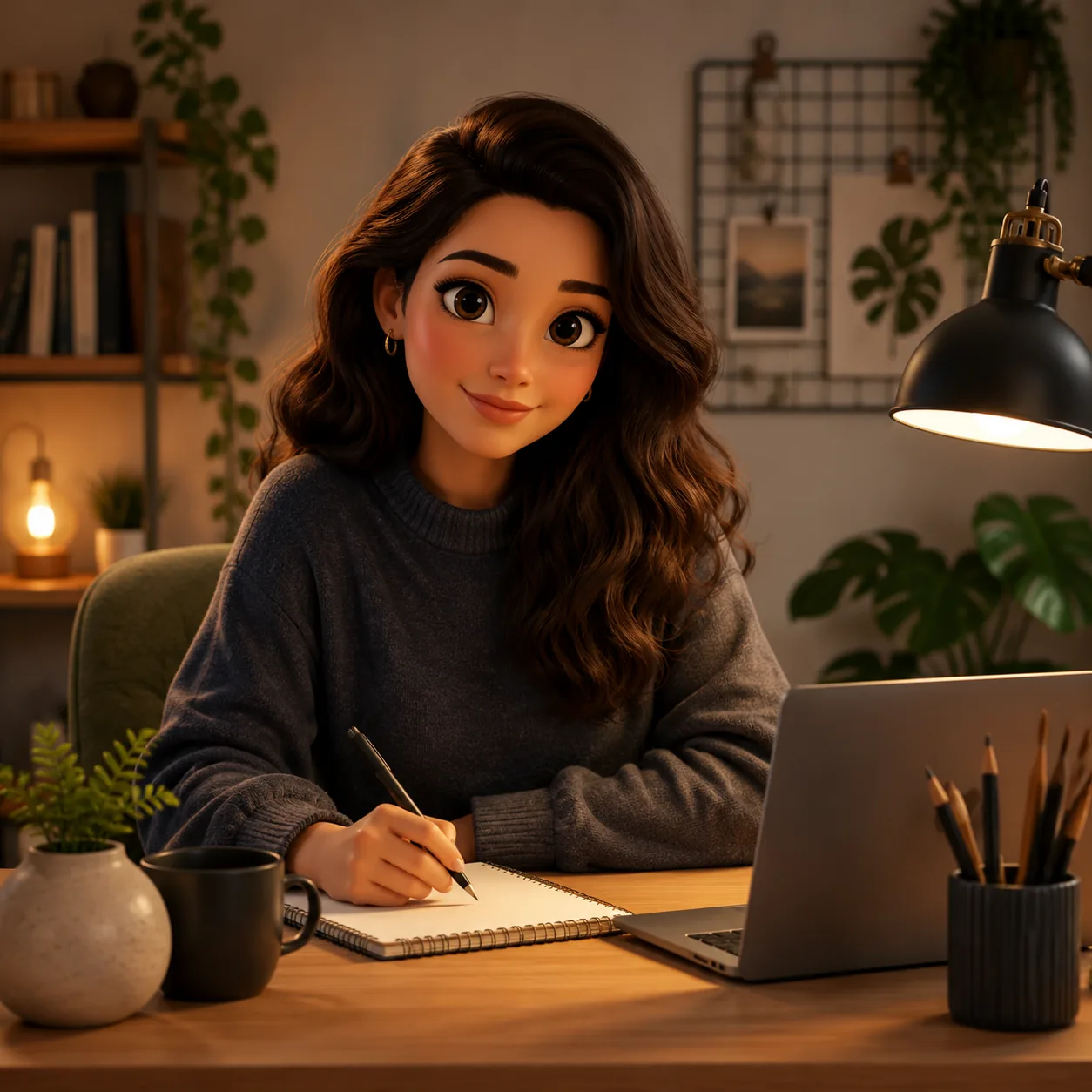 Portrait
Friendly stylized avatar of a fully clothed adult creator at a desk, soft 3D illustration style, expressive eyes, warm lamp light, tidy creative workspace, no text, no brand marks, 1:1
Try This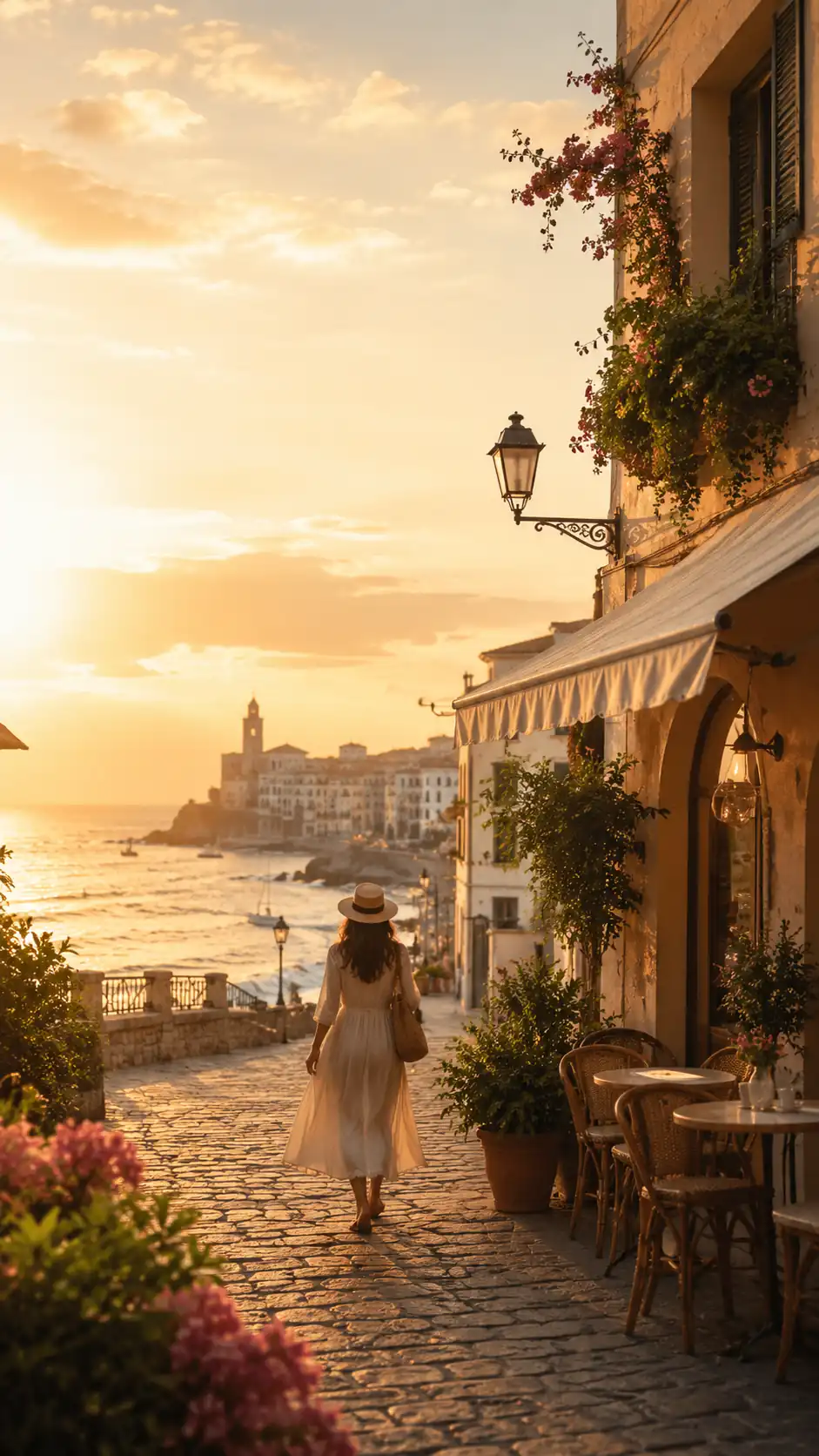 Social and Content
Vertical travel reel cover for a fictional coastal city guide, golden hour street, small cafe, walking figure from behind, clean space for title overlay, no readable signs, no logos, 9:16
Try This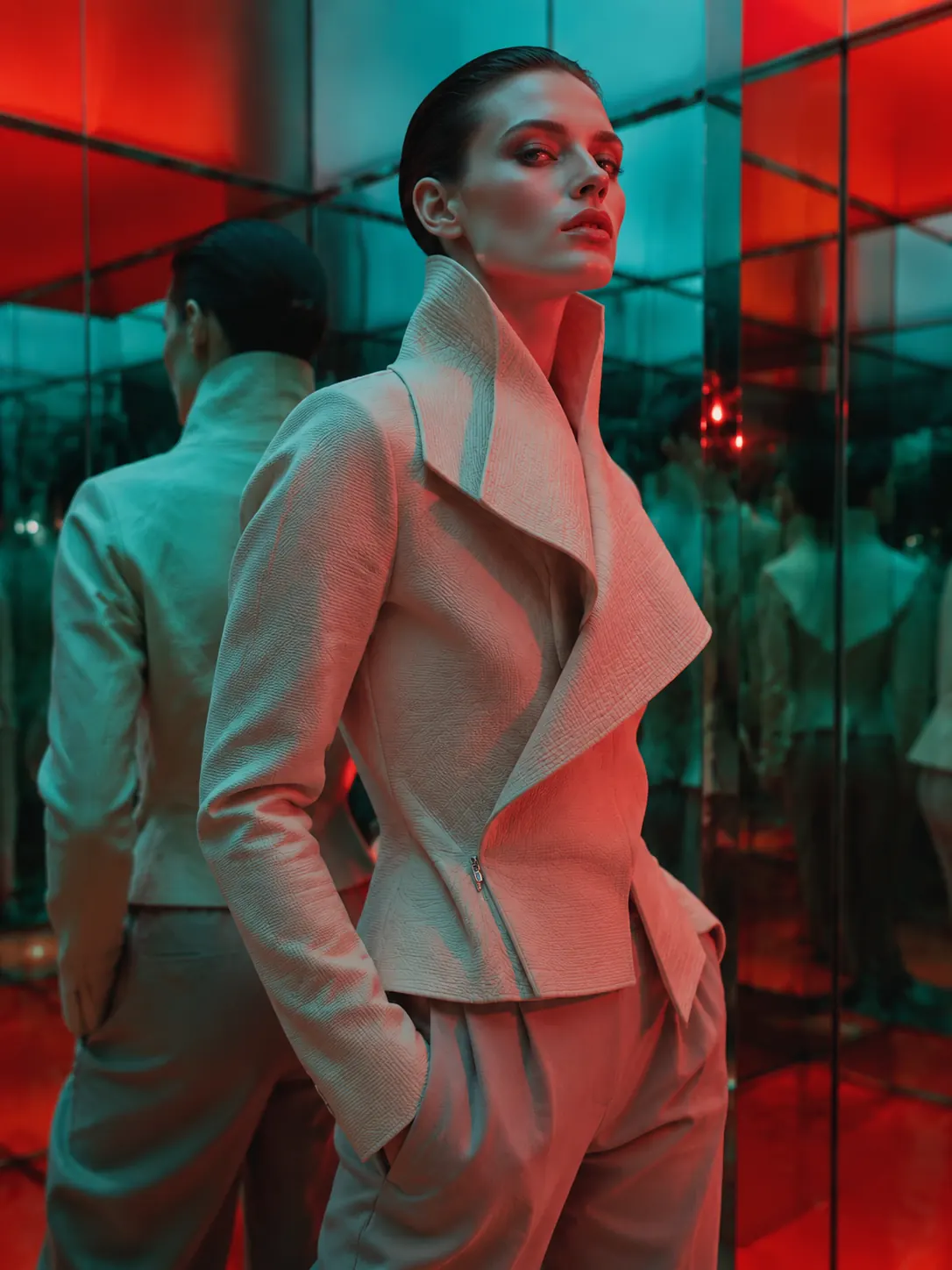 Avatar
A luxury editorial portrait of a fully clothed adult model in an original sculptural jacket, mirrored gallery environment, bold color gels, high-fashion magazine composition, sharp detail, no logos, no celebrity likeness, 3:4
Try This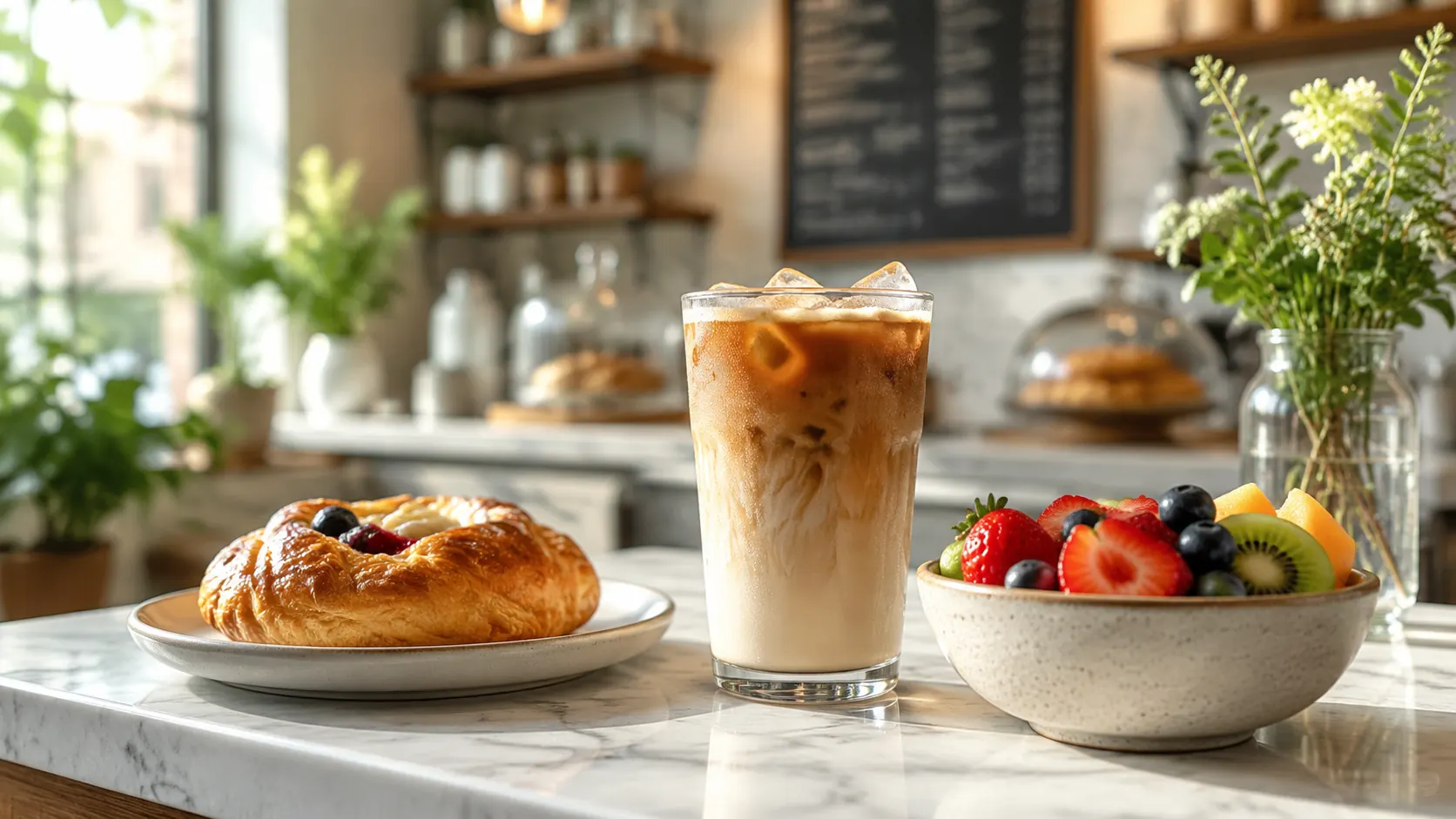 Product
Bright cafe menu hero image with iced coffee, pastry, and fresh fruit on a marble counter, natural morning light, shallow depth of field, no logos, no readable menu text, 16:9
Try This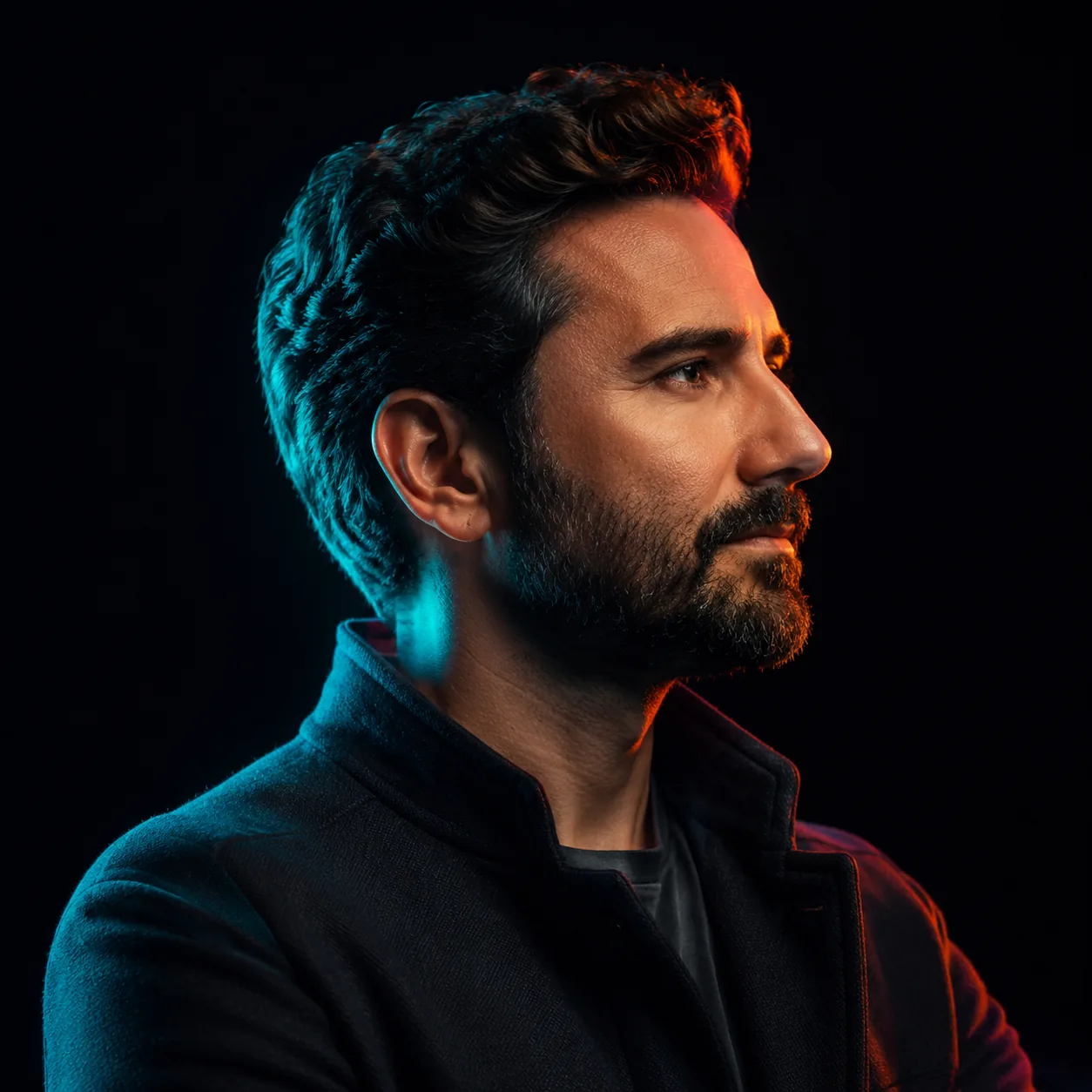 Portrait
A dramatic studio profile portrait of a fully clothed adult creative founder, neon cyan and coral rim lighting, glossy black backdrop, confident expression, cinematic 85mm lens look, realistic skin texture, premium editorial photo, no celebrity likeness, no logo, 1:1
Try ThisDiscover the powerful capabilities that make our AI image generator stand out.
Define your subject, composition, lighting, and visual style for portraits, product concepts, and illustrations.
Describe the wording and placement for a poster or graphic, then review the output for spelling and spacing.
Start with the Nano Banana 2 trial or select GPT Image 2 or FLUX.2 Pro. Check the model picker for account access.
Choose your model, describe the result, and refine the image one change at a time.
Select GPT Image 2 for your project, or start with the Nano Banana 2 trial. Check the access requirements shown beside each model.
Specify the subject, composition, lighting, style, and intended use. Add a reference image when your selected model supports it.
Use a square crop for an avatar, portrait for a character, or landscape for a wider composition. Match your prompt to the selected ratio.
Review text, faces, hands, and product details. Refine your prompt to correct one issue at a time. Generation time and available output settings vary by model.
See how GPT Image 2 compares to leading AI image generators in key areas.
| Criteria | GPT Image 2 | FLUX.2 Pro |
|---|---|---|
| Text Rendering | Excellent | Good |
| Realism | Excellent | Very Good |
| Speed | Fast | Moderate |
| Style Variety | Very High | High |
Real feedback from creators, marketers, and designers who use our AI image tools daily.
The ChatGPT Image Generator is incredibly fast and the quality is stunning. I use it for all my social media visuals now.
GPT Image 2 produces the most realistic product shots I've ever seen from an AI. It's become an essential part of my workflow.
Great tool for quick concept art. The text-in-image feature is a game changer for my branding projects.
This is GlobalGPT, a separate multi-model platform. You can select GPT Image 2 or other available image models here; this page is not ChatGPT.com.
This page offers a Nano Banana 2 trial. GPT Image 2 has a separate access requirement. Check the model picker and your account before generating.
You use your GlobalGPT account on this page. A separate ChatGPT subscription is not required to use the GlobalGPT workspace.
Open the model picker and choose GPT Image 2. If it is locked for your account, review the access option before starting a generation.
The workspace includes a reference-image upload. Use an image you have permission to upload, select a model that supports references, and describe what to keep or change.
Put the exact wording in quotation marks and describe the headline placement, background, and layout. Review the generated spelling and spacing before using the result.
Time varies with the selected model, request, and service demand. There is no single completion time for every image model.
Check the selected model terms and your GlobalGPT plan, and make sure you have rights to any reference images, logos, or likenesses you use. Review the output before publishing.
Use a separate image-to-video workspace after creating your image. Video generation uses its own model, duration, and credit settings.