

Keep recognizable anchors
Name the hair silhouette, glasses and face shape you want retained. Check the result against your reference; resemblance can vary with stylization.
Prompt Guide
Model
Reference Image
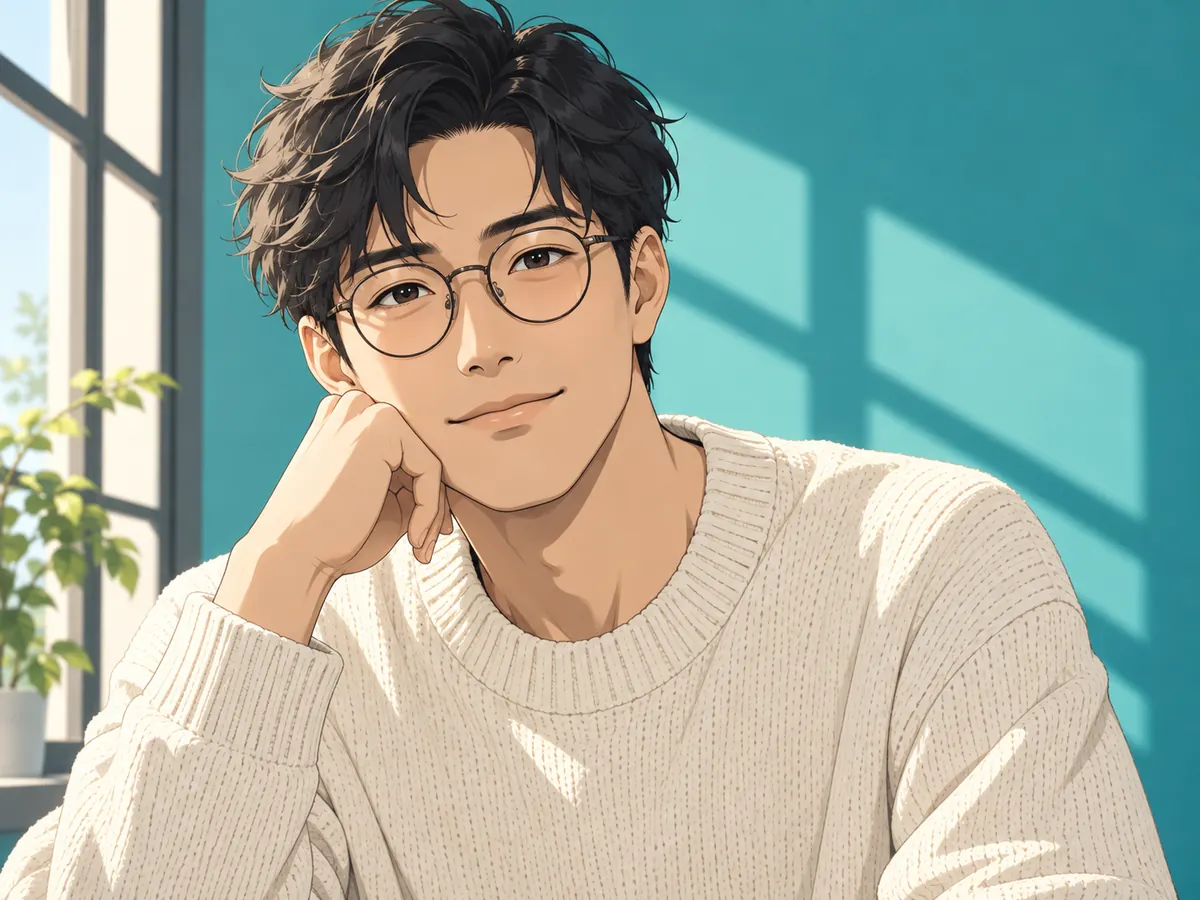
Turn a visual idea into expressive eyes, deliberate linework and a scene with personality. A Gemini AI anime character photo prompt can begin with your hairstyle, glasses or outfit, then change the atmosphere around them. Explore original directions on GlobalGPT; gallery images were generated with GPT Image 2.
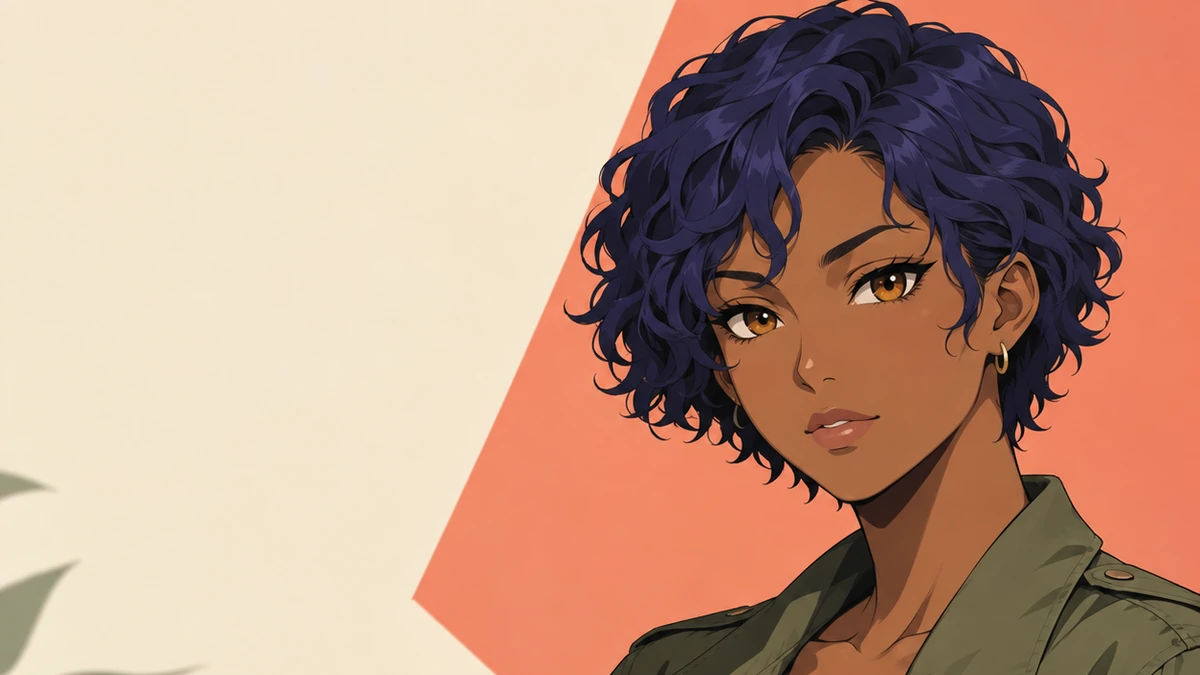
Separate the details you want to keep from the changes you want to make.
Start your Gemini AI anime character photo prompt with an adult subject and a few distinctive traits. For a photo edit, use a clear image you have permission to upload and name the features to retain.
Give your Gemini AI anime character photo prompt one direction: clean cel shading, retro animation, neon noir or painted fantasy. Specify the line weight, shadow style and palette.
Add a pose, setting and crop. Write “portrait 3:4” or choose the matching size control. Avoid copying unexplained parameter strings from other tools.
Check the eyes, jawline, glasses and visible hands. Revise one detail at a time; ask to retain the successful face while simplifying the background or changing the light.
Choose a Gemini AI anime character photo prompt below, then replace the subject details. These are original text-generated illustrations, not before-and-after proof of identity preservation.
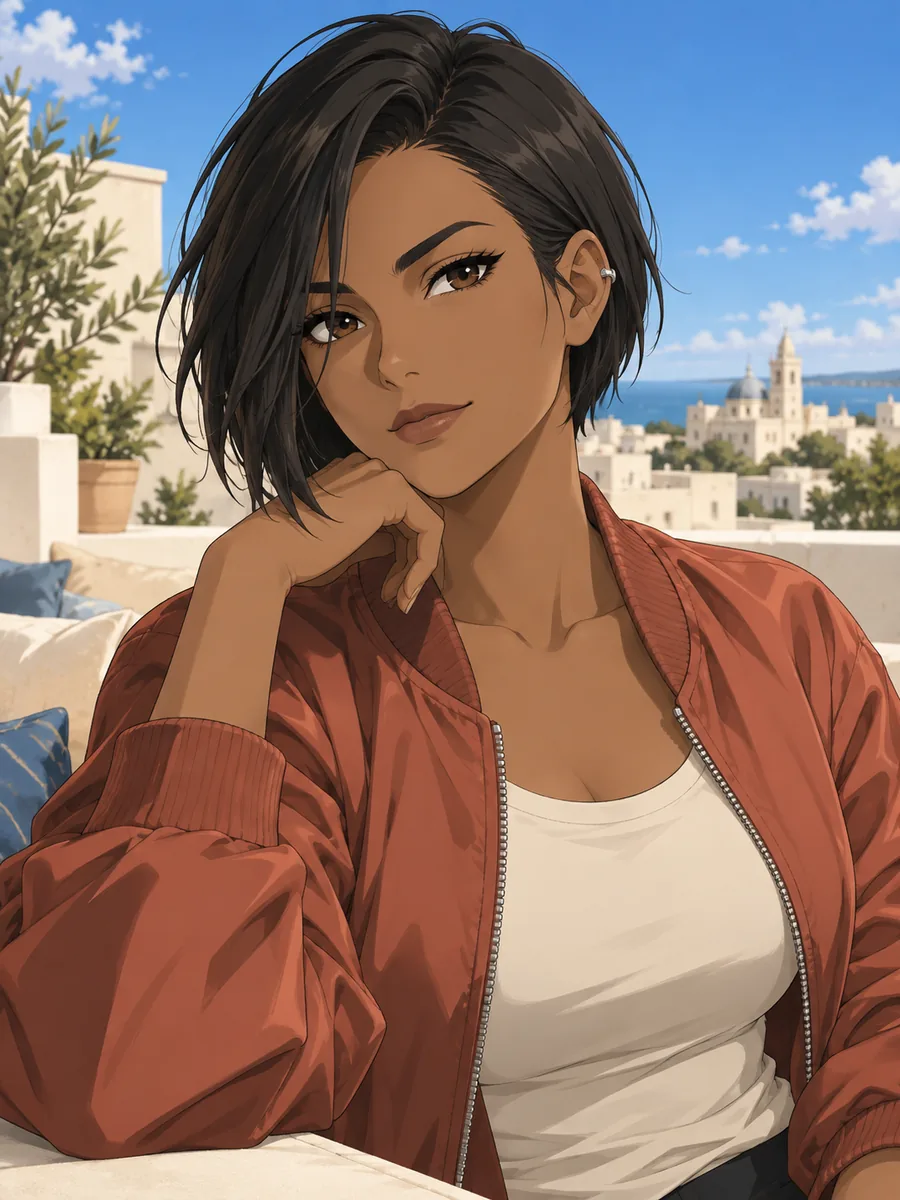 Clean Cel Portraits
Create an adult anime character with an asymmetrical black bob, silver ear cuff and terracotta jacket on a breezy rooftop. Use crisp cel shading, a simple blue sky and a chest-up 3:4 avatar crop. Keep the silhouette clear.
Create Anime Art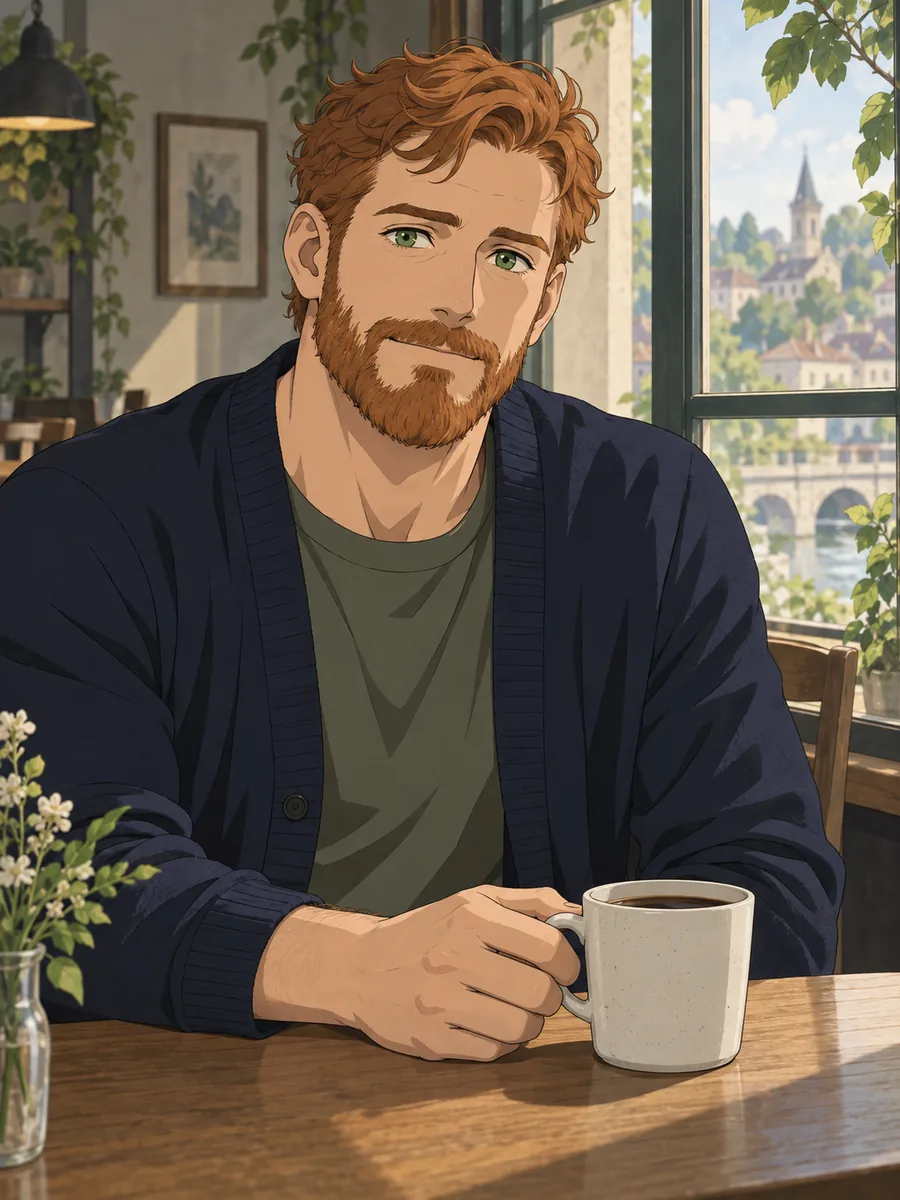 Clean Cel Portraits
Illustrate an adult character with ginger hair, a short beard and a navy cardigan at a quiet cafe. Use clean anime linework and warm window light. Show one relaxed hand resting naturally beside a plain cup. Portrait 3:4.
Create Anime Art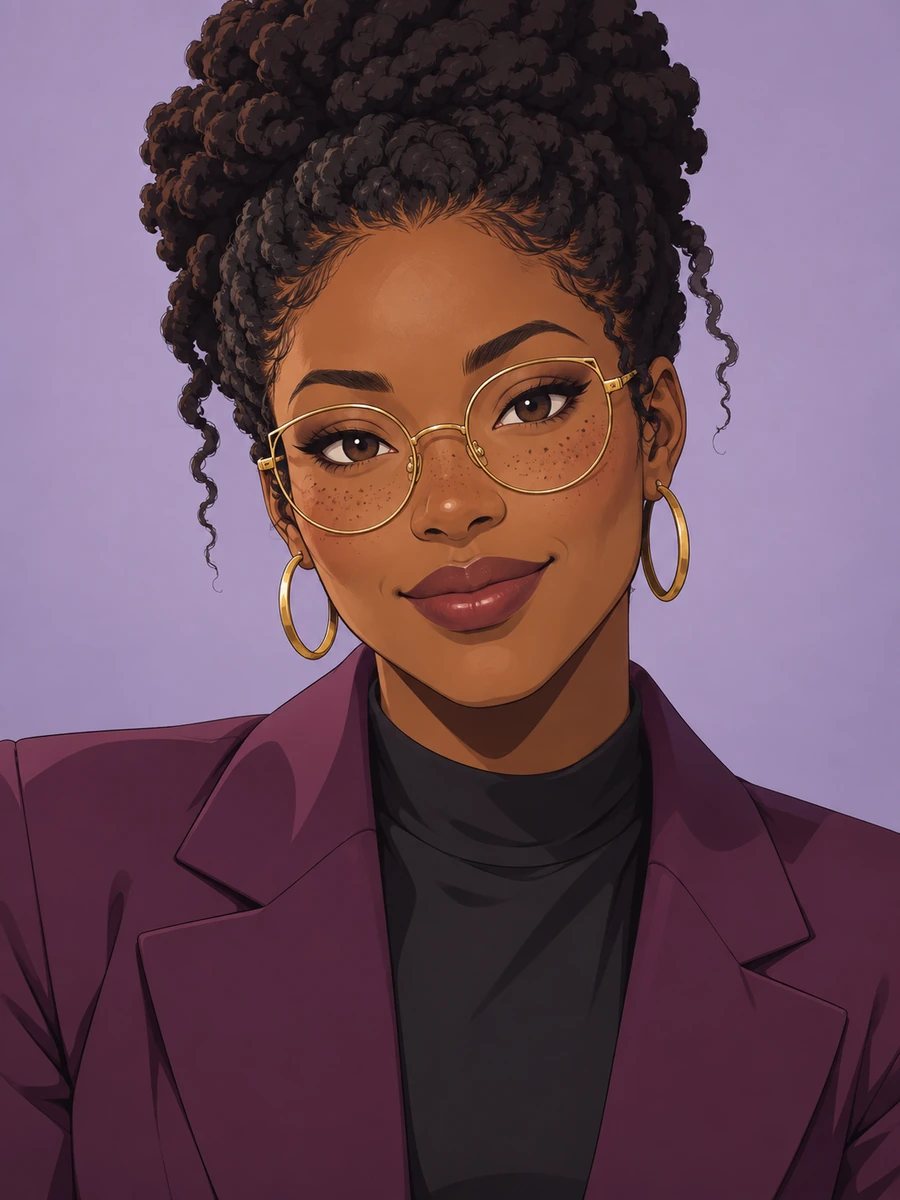 Clean Cel Portraits
Draw an adult anime woman with a coiled updo, freckles, round gold glasses and a plum blazer. Use a lavender background, fine ink contours and two-step cel shading. Compose a friendly shoulders-up studio portrait in 3:4.
Create Anime Art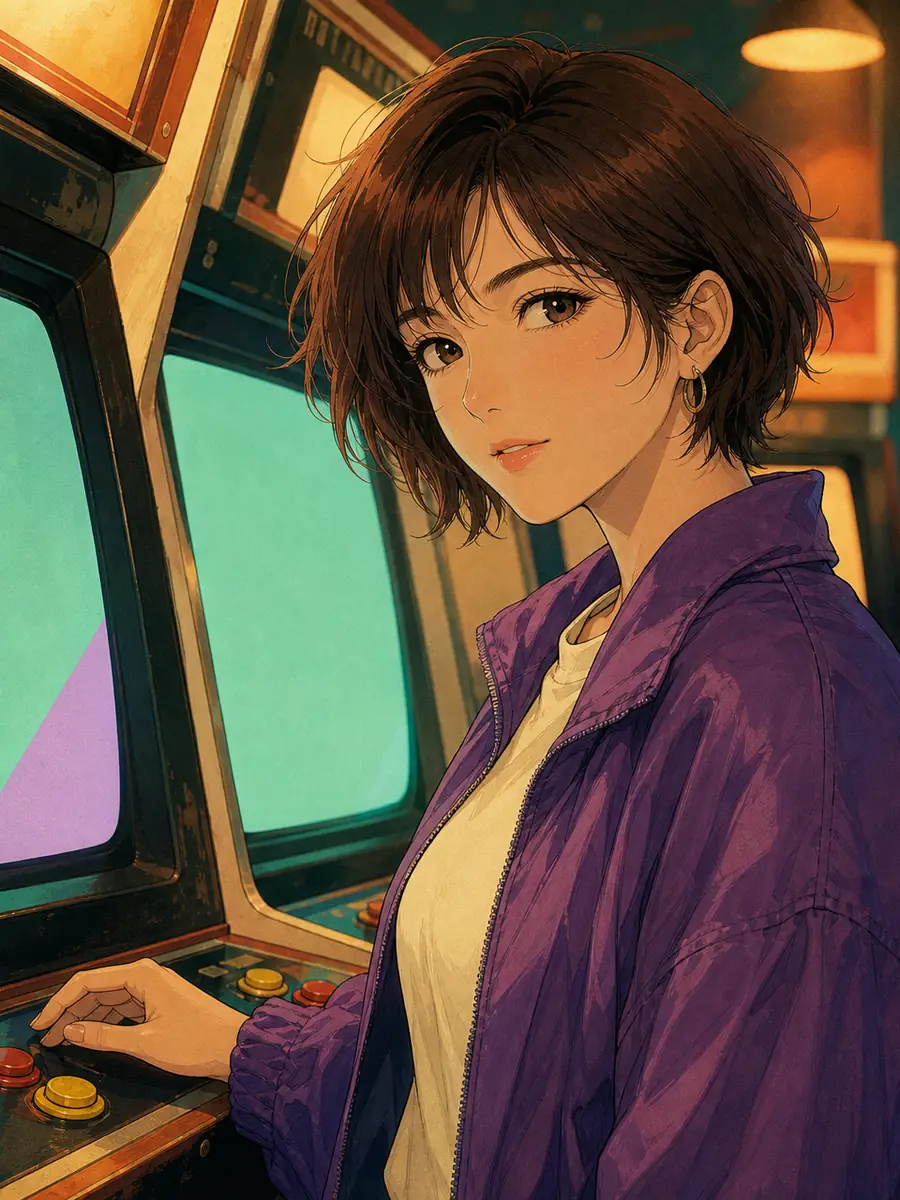 Retro 90s Cel
Illustrate an adult character with chestnut shag hair and a purple windbreaker beside vintage arcade cabinets. Use blank abstract screens, mint fill light, amber highlights and subtle analog grain. Apply a hand-painted 1990s anime look. Portrait 3:4.
Create Anime Art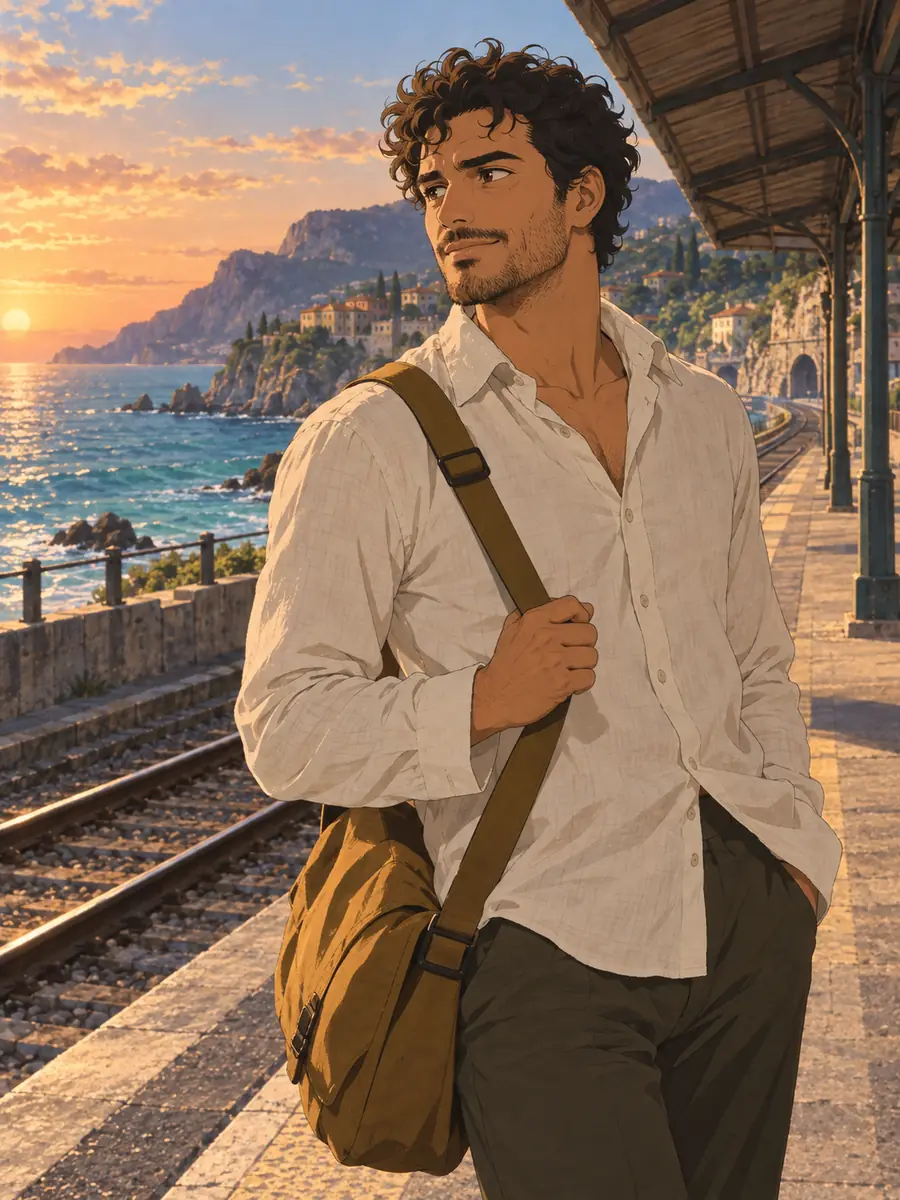 Retro 90s Cel
Draw an adult traveler with dark curls, light stubble and a mustard messenger bag on an empty coastal platform. Use an apricot sunset, turquoise sea and hand-painted retro anime background. Frame a three-quarter portrait in 3:4.
Create Anime Art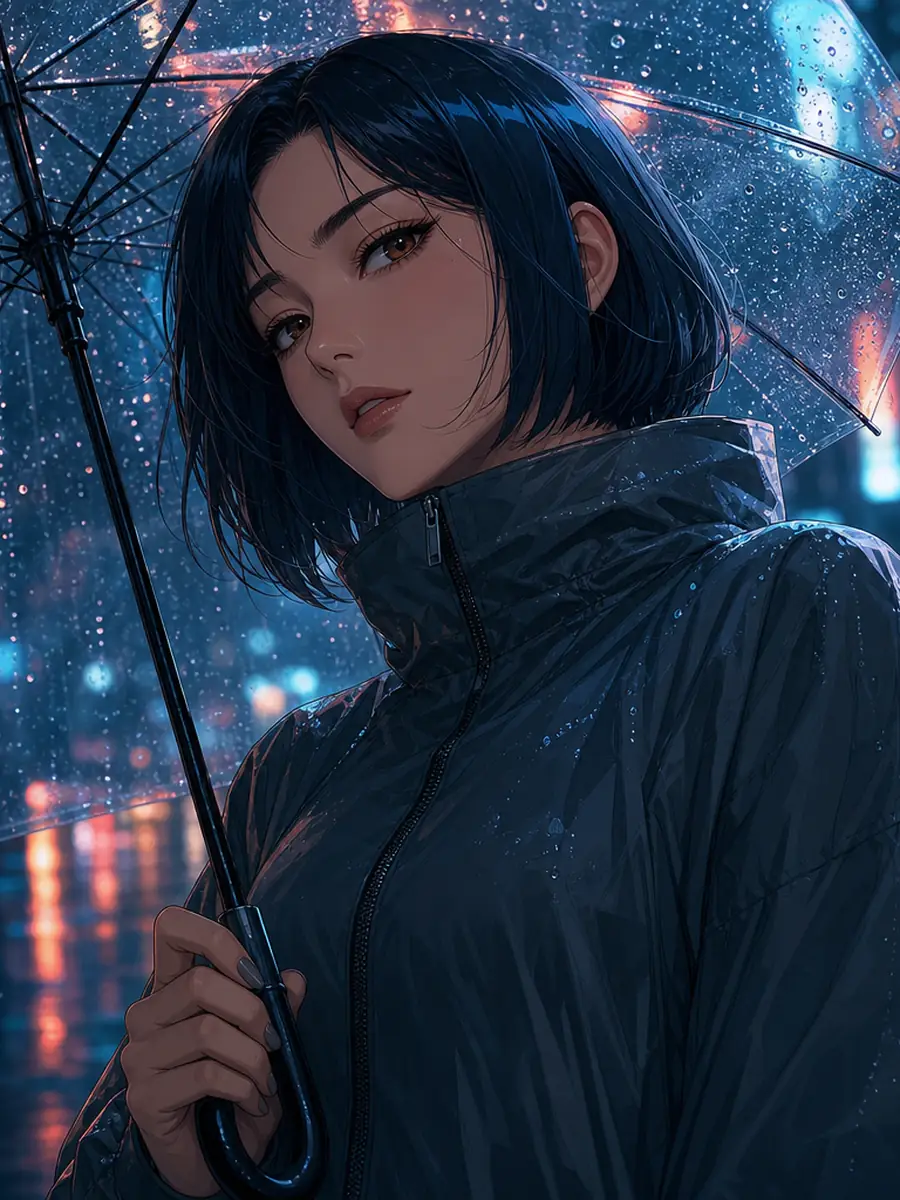 Neon Noir
Create a close-up of an adult anime character with a dark blue bob beneath a clear umbrella. Use cyan city bokeh, coral reflections and crisp line art. Keep the eyes unobscured and rain droplets separate from facial details. Portrait 3:4.
Create Anime Art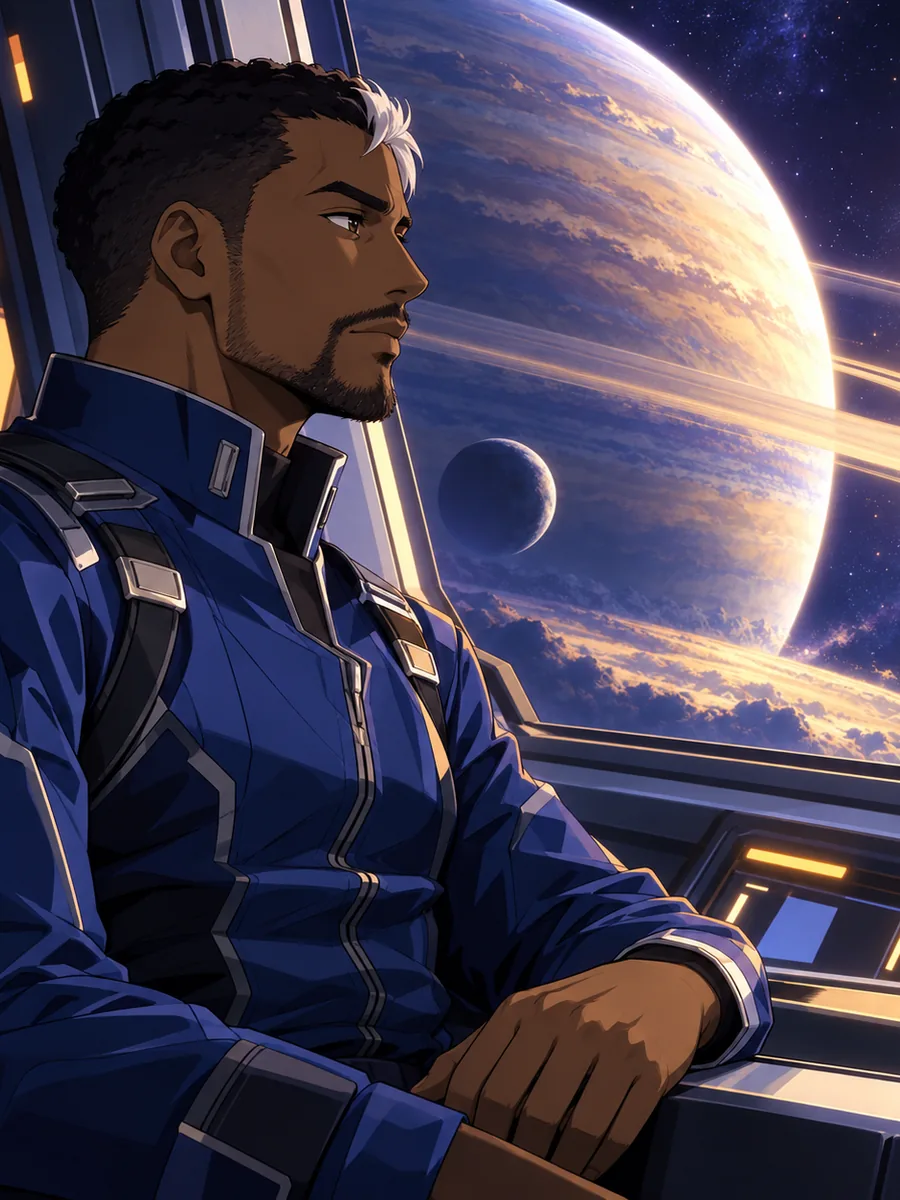 Neon Noir
Illustrate an adult orbital pilot with a white forelock and cobalt flight suit beside an observation window. Show a luminous ringed planet outside. Use graphic anime shading, a clear side profile and restrained violet-amber lighting. Portrait 3:4.
Create Anime Art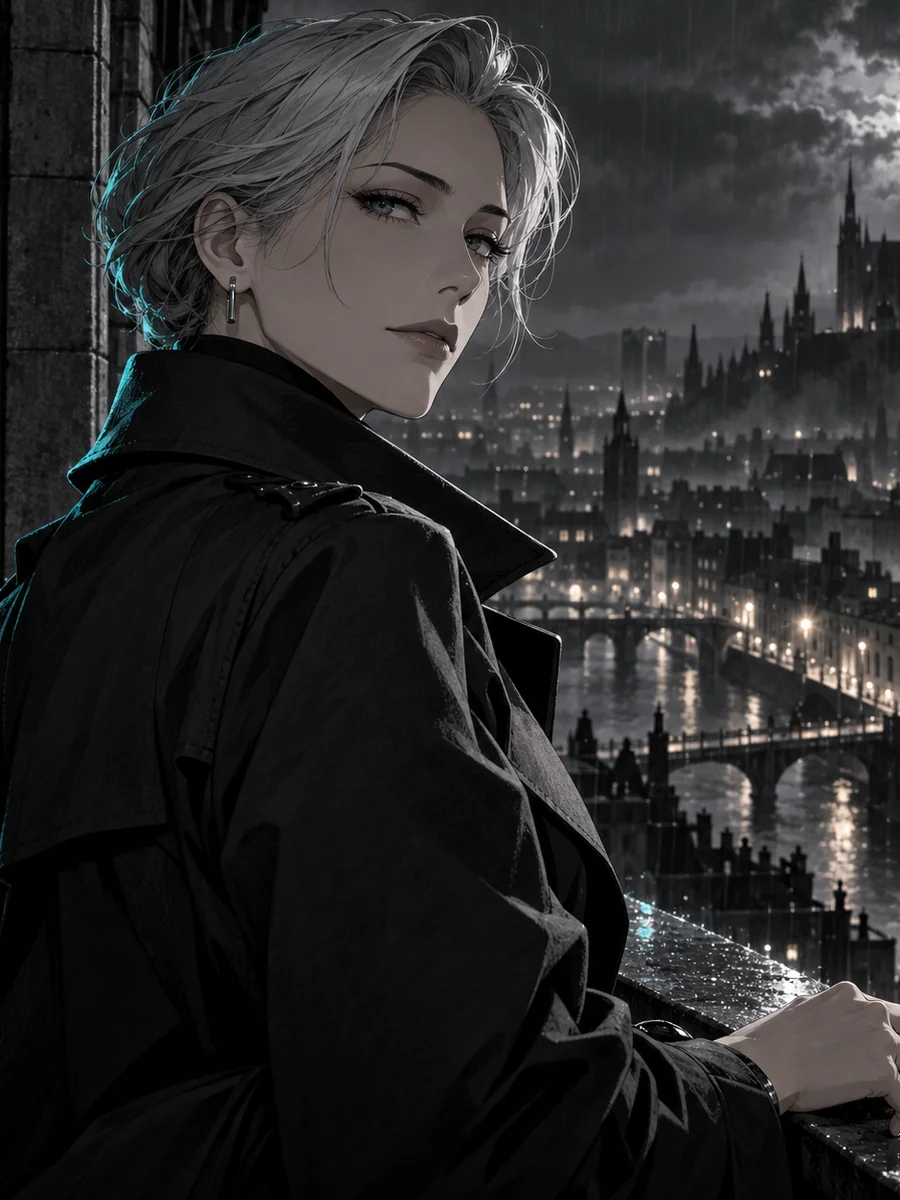 Neon Noir
Draw an adult anime detective with swept-back silver hair and a charcoal trench coat at a rainlit balcony. Use mostly monochrome ink shadows with one teal rim light. Keep the over-shoulder face readable. Portrait 3:4.
Create Anime Art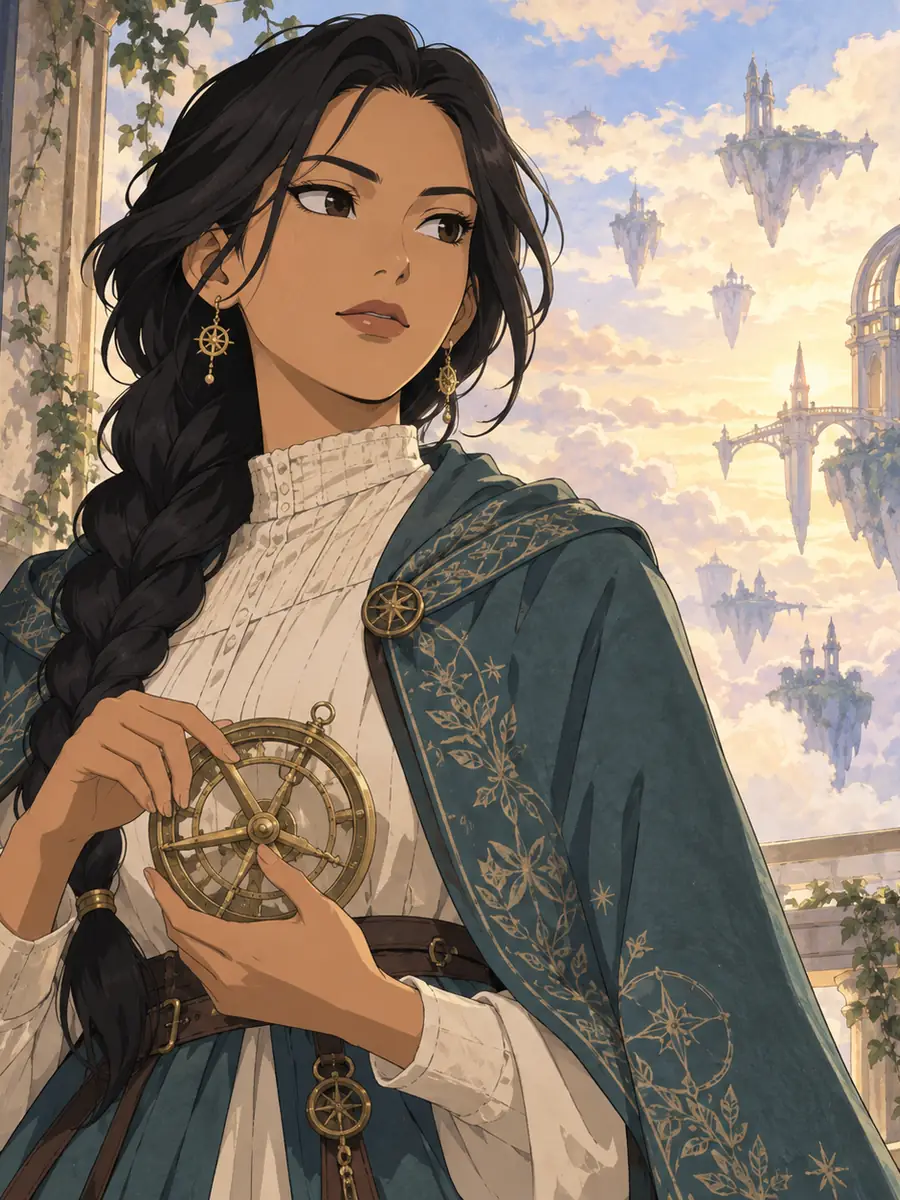 Painted Fantasy
Paint an adult anime observatory keeper with a long braid and teal travel cloak holding a brass astrolabe. Use delicate ink lines, watercolor clouds and warm gold light. Keep the hands relaxed and the face unobstructed. Portrait 3:4.
Create Anime Art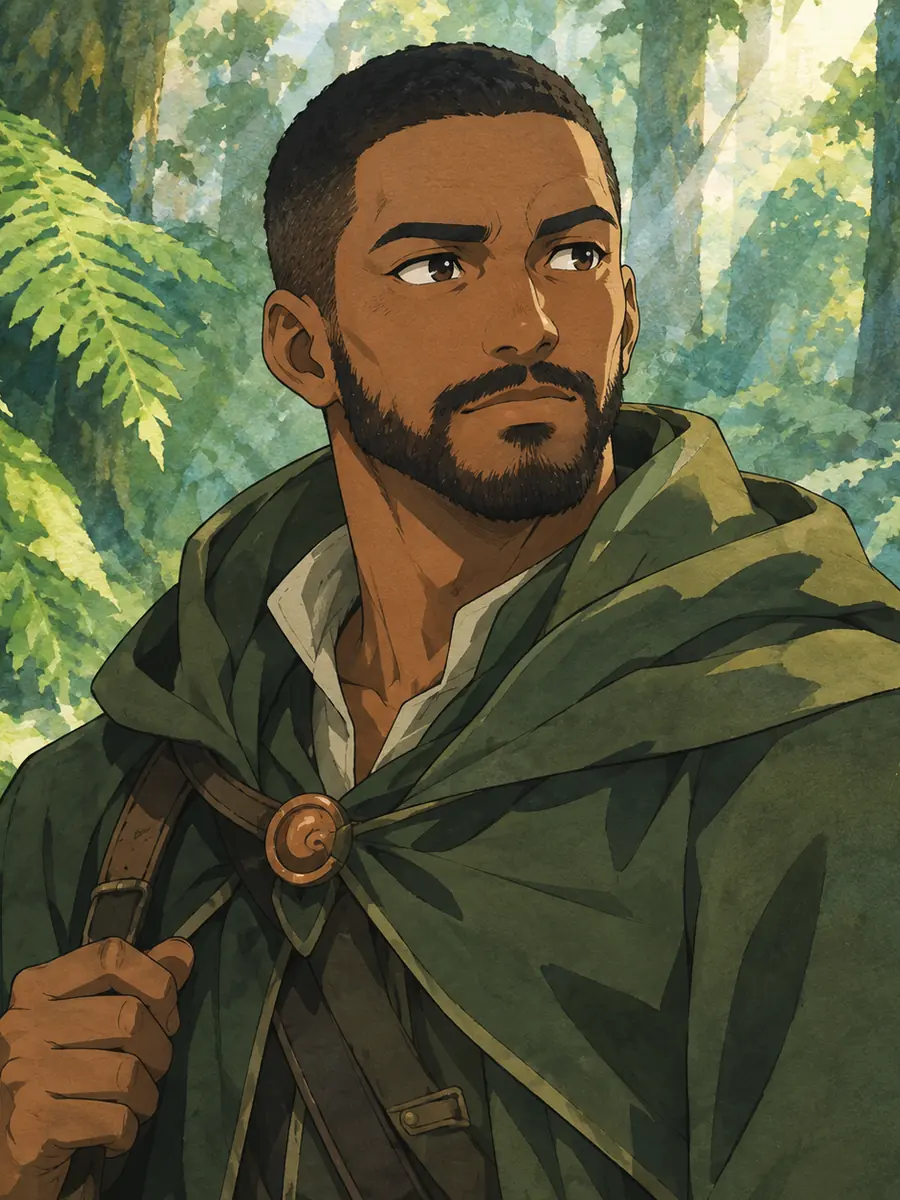 Painted Fantasy
Illustrate an adult anime forest ranger with a close beard, layered green coat and copper clasp among giant ferns. Blend fine ink lines with watercolor washes, jade leaves and warm dappled light. Use a three-quarter chest-up 3:4 composition.
Create Anime ArtA useful Gemini AI anime character photo prompt describes visible choices, not a pile of quality buzzwords.
Name the hair silhouette, glasses and face shape you want retained. Check the result against your reference; resemblance can vary with stylization.
Thin contours feel different from bold graphic ink. Tell your Gemini AI anime character photo prompt which line treatment should define the face and clothing.
Use two-tone cel shading for graphic clarity, analog texture for a retro frame, or watercolor transitions for painted fantasy.
Match your Gemini AI anime character photo prompt to the output: a clear bust crop for an avatar or environmental framing for a story character. Leave background space where a later design may need it.
If neon hides the face, ask for softer fill light. If fingers merge, simplify the hand pose. Preserve the parts you already like.
Try the available image models in GlobalGPT with the same prompt and reference. Compare your own results; the gallery is not a model leaderboard.
Fictional examples of how to use these prompts. These are not customer reviews, ratings or claims about measured results. Star icons are illustrative, not customer ratings.
Maya adapts a Gemini AI anime character photo prompt for a profile image, keeping round glasses and a short bob while choosing a plain lilac background.
Leon starts with a Gemini AI anime character photo prompt for an orbital pilot, then reuses the same hair and flight-suit description while exploring new settings.
Ari compares clean cel shading with painted fantasy, using one character brief to decide which mood belongs in an original story.
This creator demonstrates a Gemini photo-to-illustration workflow. The interface shown is separate from GlobalGPT.
Describe the subject, retained features, anime rendering style, pose, setting and lighting. A concrete instruction such as “keep my round glasses; use thin ink outlines and two-tone shadows” gives a clearer direction than “make it amazing.”
Use a model and tool that offer reference-image input, then upload a photo you have permission to use. State which features should remain recognizable. Face similarity is not guaranteed, so inspect the output before using it.
Yes. Adapt a Gemini AI anime character photo prompt to the image model you select in GlobalGPT. The selected model creates your image; this gallery was generated with GPT Image 2. GlobalGPT is an independent platform, not a Google-operated service.
Add a few distinctive traits and remove conflicting style requests. If reference editing is available, reuse the clearest reference. Adjust one feature at a time and compare the eye shape, hairline and glasses rather than relying on a long list of adjectives.
Reuse a compact description of the hair, face shape, glasses and outfit, changing only the scene. If reference input is available, use the same clear reference. Compare each result before continuing; repeating a prompt cannot guarantee an identical character.